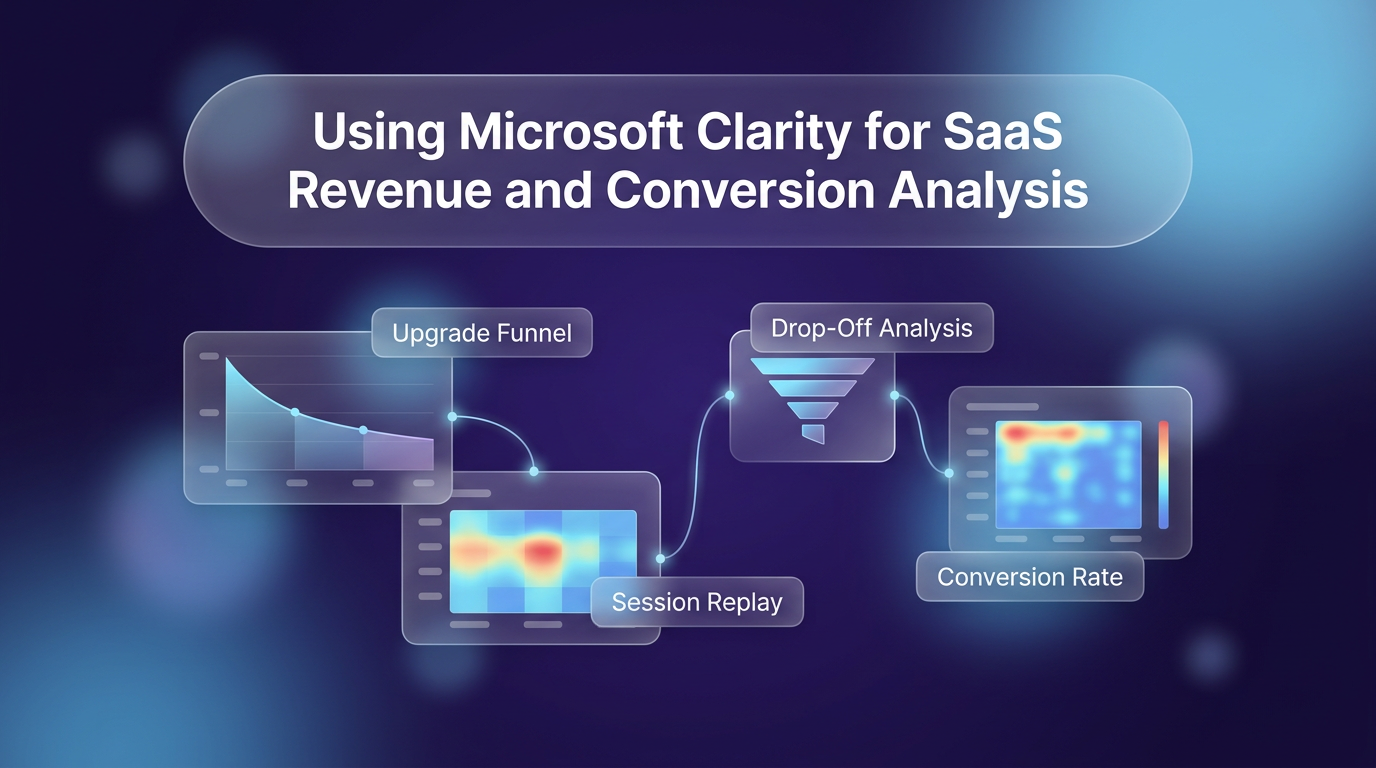
SaaS analytics dashboards show metrics like trial starts, conversion rates, and churn, but numbers alone do not explain why users stop progressing. A user who abandons an upgrade screen might have encountered an unresponsive button, struggled to compare plan features, or run into a script error. Implementing Microsoft Clarity for SaaS helps teams uncover the specific behaviors and friction points that lead to these dropped conversions.
As detailed on the Microsoft Clarity blog, product-led companies can use behavioral data to look behind the metrics and understand the exact decisions users make across self-service upgrade journeys.
Microsoft Clarity for SaaS: Identifying High-Intent Drop-Offs in Upgrade Funnels
Users who visit pricing pages or start an upgrade path have already demonstrated clear intent. When these users leave without completing a transaction, traditional metrics only show the exit point. Behavioral tracking shows what happened directly before they decided to leave.
Teams can investigate conversion drop-offs using several specific Microsoft Clarity for SaaS features:
- Funnels: Set up multi-step funnel views to identify the exact step where users leave an upgrade sequence.
- Rage clicks and dead clicks: Spot UI elements that users click repeatedly because the interface fails to respond as expected.
- JavaScript errors: Detect technical bugs on checkout or billing pages that silently block transactions.
- AI session summaries: Generate quick text overviews of user sessions when analyzing large volumes of funnel data.
- Advanced filters: Segment users who abandoned specific stages to isolate behavior differences between converted and lost leads.
These indicators help teams distinguish whether drop-offs stem from a lack of interest or an unexpected usability barrier.
Diagnosing Friction in Self-Service Monetization
In product-led software, Microsoft Clarity for SaaS shows that the monetization path is an integrated part of the application experience. Users evaluate plan differences, seat limits, and feature tiers directly inside the interface. If the path to checkout is confusing, potential revenue is lost.
Analyzing Pricing and Plan Selection Pages
Heatmaps reveal whether visitors actually review plan comparison tables or overlook critical details like billing toggles. If heatmaps show intense activity on an unlinked feature name, users may expect more documentation before choosing a plan. Session recordings add context by showing how frequently users switch back and forth between options before leaving.
Implementing Smart Events via the Clarity API
By default, analytics platforms record standard page views and clicks. Using Smart Events through the Clarity API allows SaaS teams to measure custom, predictable points of friction throughout the upgrade funnel. Tracking milestones such as plan selection, billing interval toggles, and completed checkouts creates an event-based funnel. This gives a clearer view of which specific friction points affect revenue outcomes.
Connecting Customer Feedback to Behavioral Recordings
User feedback often highlights problems after they occur. A user might submit a support ticket stating that setup failed or that they could not understand which plan suited their team. While direct feedback is helpful, it only reflects the customer’s post-experience summary.
Teams can capture the Microsoft Clarity for SaaS session playback URL and store it alongside incoming feedback submissions. When customer support or product engineering reviews a ticket, they can open the recording directly. This reveals the exact pages the user visited, the actions they took, and any interface hesitation that occurred right before submitting the form.
Common Pitfalls to Avoid in SaaS Behavioral Tracking
Tracking user behavior with Microsoft Clarity for SaaS requires clear prioritization. Teams that monitor everything without focus often end up with cluttered data that does not aid decision-making.
One common mistake is tracking vanity interactions instead of revenue-critical steps. Prioritize tracking custom events that directly correlate with conversions and upgrades. Another issue is ignoring technical error logs; a broken script on a payment form will depress conversion rates regardless of how well the pricing copy is written. Finally, avoid reviewing session recordings in isolation without segmenting by user intent, such as visits to billing pages or account settings.
Frequently Asked Questions
How does Microsoft Clarity detect user frustration?
Clarity monitors interaction signals such as rage clicks, where a user clicks an element multiple times in rapid succession, and dead clicks, where clicks produce no page response. It also flags excessive scrolling and JavaScript errors that disrupt user workflows.
Can Microsoft Clarity connect user behavior across multiple sessions?
Yes. Teams can use custom User IDs and custom tags through the Clarity API to associate browsing activity across multiple visits, allowing analysis of long-term conversion paths.
What is the benefit of adding Clarity recording URLs to feedback forms?
Storing the session playback link with a feedback submission allows support and product teams to see the exact technical errors or confusing steps the user experienced prior to writing the ticket.
Applying Behavioral Insights to Interface Design
Improving conversion rates requires combining qualitative session data with solid structure. Wasif focuses on building conversion-oriented workflows and auditing digital interfaces, connecting tools like web designing frameworks and AI automation pipelines to ensure user journeys remain clear from onboarding to checkout.
If you want to review your conversion funnel or optimize your application onboarding flow, reach out to Wasif Ahmed to discuss your project.