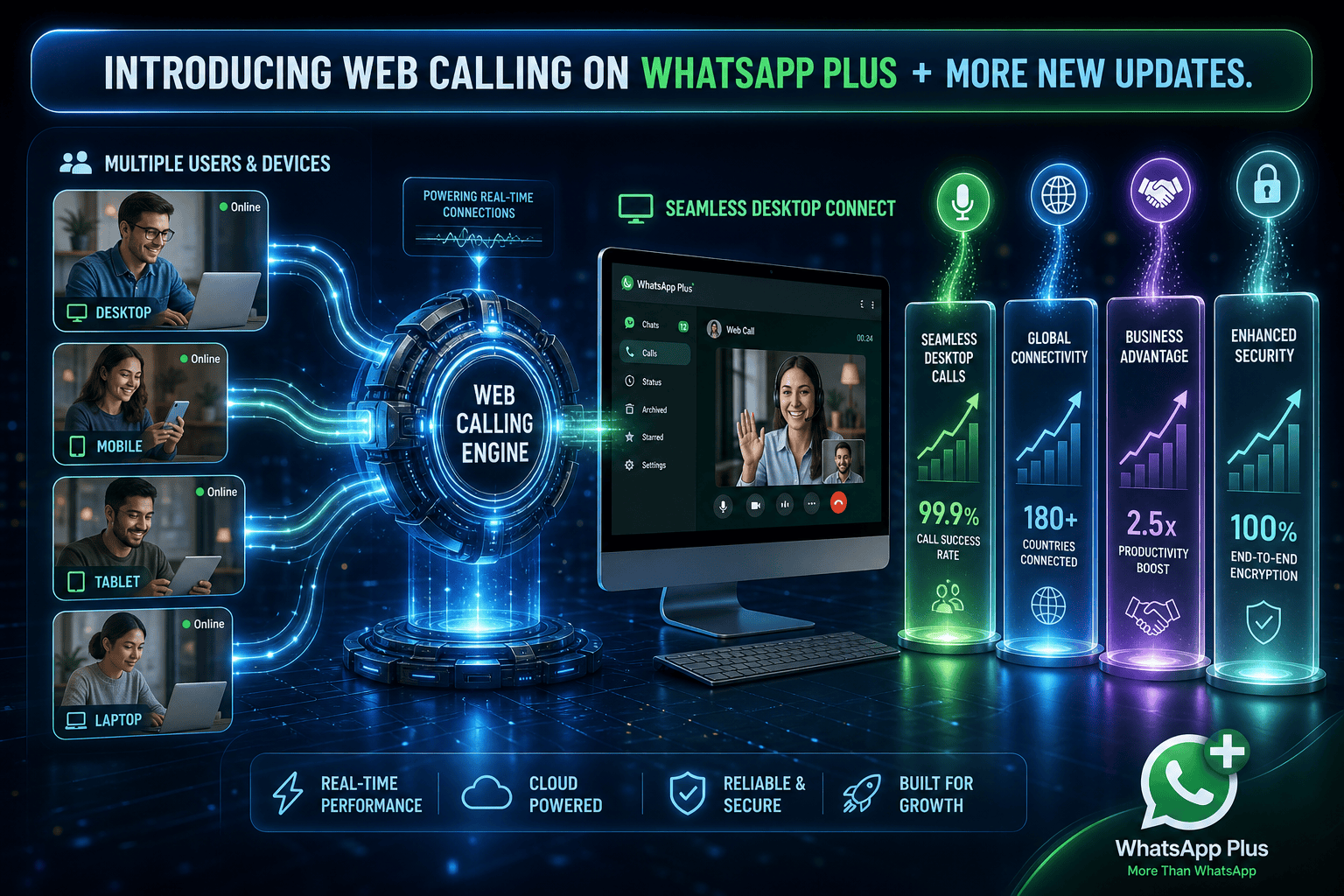
WhatsApp announced a major extension to its desktop browser capabilities on July 28, 2026. The platform is rolling out full WhatsApp Web calling functionality, allowing users to make and receive audio and video calls directly from a web browser without downloading desktop applications. As announced on the WhatsApp blog, the feature set also introduces device call transfers, waiting rooms, and noise suppression.
This release provides a direct browser option for individuals and teams operating on restricted corporate hardware, shared devices, or lightweight setups. The update includes both individual and group call support while maintaining end-to-end encryption across all web interactions.
Key Features Included in the WhatsApp Web Calling Update
The rollout covers several new functional capabilities designed to bring browser calling up to feature parity with native mobile and desktop applications. Users can launch group or direct voice and video calls, view their complete call history, and access saved favorites through a dedicated tab inside the browser interface.
- Native Browser Audio and Video: Make direct and group calls from WhatsApp Web without installing desktop software or extra extensions.
- Device Call Transfer: Shift an active group call between mobile devices, tablets, desktop apps, and web browsers without disconnecting.
- Call Waiting Room: Require host approval before new participants enter a group call via a shared call link.
- QuickHD Video: Instant rendering of high-definition video within the initial seconds of establishing a connection.
- Background Noise Suppression: Audio processing to isolate voice input and reduce ambient environmental noise during active calls.
Each call initiated through the browser preserves screen sharing, reactions, and end-to-end encryption. The company confirmed that WhatsApp Web calling carries no usage time limits or additional fees during its initial rollout.
Why Browser-Based Calling Matters for Business Operations
The introduction of full WhatsApp Web calling solves persistent access hurdles for teams operating inside controlled workstation environments. Many corporate networks and IT policies restrict team members from installing executable files on company hardware. Browser support eliminates software installation barriers, allowing operations staff to manage communications directly from active browser tabs.
The call transfer feature addresses another common operational frustration. A team member starting a call on a mobile device while traveling can transfer the connection straight to a browser window upon returning to their desk. The call continues without requiring participants to hang up and reconnect.
For structured team meetings or client check-ins, the waiting room feature introduces better host control. Organizers can verify incoming callers before granting entry, preventing accidental interruptions during active discussions.
Practical Implications and Workflow Examples
Bringing voice and video directly to browser windows streamlines daily workflows for teams managing multi-channel operations. For example, a customer service specialist managing support queues alongside social media management dashboards can transition from text chat to a voice call instantly without leaving the browser environment.
Similarly, teams operating cloud-based CRMs or task managers can place quick calls directly while viewing client records on screen. The noise suppression controls further assist workers in busy offices or remote environments by reducing background sound during customer calls.
These features are rolling out gradually across global accounts. Full availability across all web instances will occur as regional updates complete over the coming weeks.
What This Changes for Client Builds
Wasif builds custom workflows and integrated communication setups for growing businesses. Reductions in software friction directly improve team adoption rates and operational efficiency across administrative tasks.
When primary communication channels function reliably inside standard web browsers, onboarding new team members becomes significantly simpler. Operations can integrate browser tabs directly into multi-monitor workspace layouts alongside custom software dashboards or AI automation monitoring portals.
Ready to modernize your internal communication tools and operational workflows? Reach out to Wasif to design efficient systems for your team.