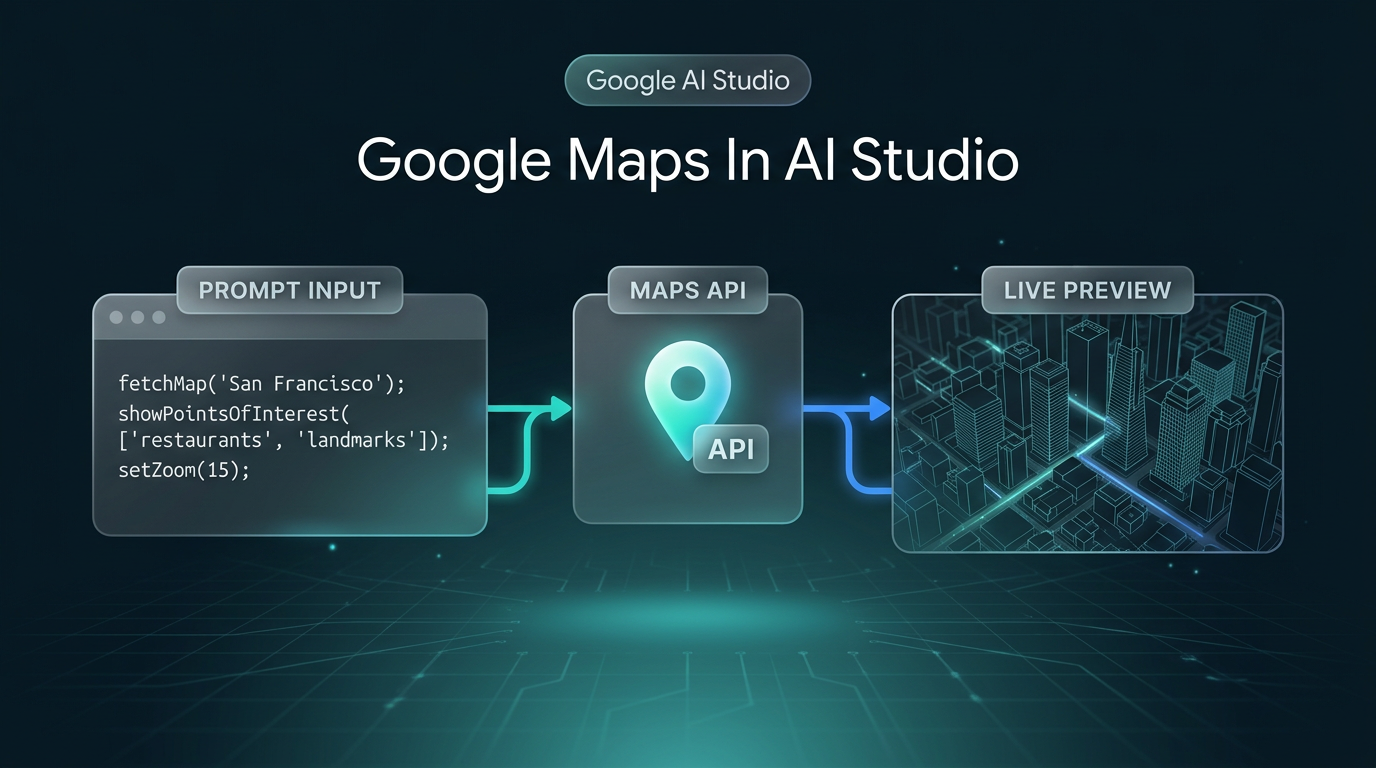
Google says developers can now use Google Maps Platform directly inside Google AI Studio, so Google Maps in AI Studio means you no longer have to leave your workspace to configure billing and credentials before adding real-world context to an app. In its official announcement on the Google blog, dated Nov 9, 2026, Google also invites developers to try it at no cost.
The Core Update: Google Maps in AI Studio
The change is about where setup happens. Until now, adding a map to a prototype meant stepping out of your workspace to sort out billing and credentials. According to Google, Google Maps in AI Studio removes that detour, because you can enable Google Maps Platform from inside AI Studio itself.
Google describes it as building real-world context into your apps, and says it just got much easier. The announcement is short, so it only covers how to get started. It does not go into limits, pricing beyond the “try it at no cost” invitation, or production use.
The Three-Step Workflow
Google lays the process out in three steps:
- Describe your idea. Head to AI Studio and prompt Gemini with any real-world concept. Google’s own example is: “Build an interactive 3D tour of NYC showcasing iconic landmarks.”
- Enable Google Maps. Google says you can get started in minutes with no credit card required, or let AI Studio automatically detect and link your existing Google Cloud project.
- Watch it come to life. AI Studio securely connects your key and instantly loads a live, interactive preview.
That is the whole loop: a prompt, a one-step enable, and a live preview you can look at straight away.
Why Google Maps in AI Studio Matters for Builders
This is my read, not something Google claims. The biggest benefit is less friction at the start. If you only want to find out whether a location idea is worth building, such as a map-based tour, a store finder or a travel planner, the billing and credentials setup is the part most likely to stop you from trying. Google Maps in AI Studio takes that step out of the way and keeps the experiment in one place.
The no-credit-card option matters most for people who are just exploring. Linking an existing Google Cloud project is there for anyone who already has one.
What to Check Before You Build Further
The announcement tells you how to start, not how to ship. If a prototype turns into a real product, read the full announcement on the Google for Developers blog that Google points to, and check the current terms and usage details for Google Maps Platform before you plan around it.
FAQs
What is Google Maps in AI Studio?
It is Google Maps Platform available directly inside Google AI Studio, so you can add real-world context to an app without leaving your workspace to configure billing and credentials.
Do you need a credit card to try it?
Google says you can get started with no credit cards required, or let AI Studio detect and link your existing Google Cloud project. Google also says you can try it at no cost.
Can you preview the result inside AI Studio?
Yes. According to Google, AI Studio securely connects your key and instantly loads a live, interactive preview.
What This Changes for Your Build
If your next idea needs a map, you can now test it from the same place you prompt Gemini. I work on custom software development and AI automation, and location features come up often enough that a faster first prototype is useful. If you are weighing a location-aware tool for your business, you can reach out to me directly.