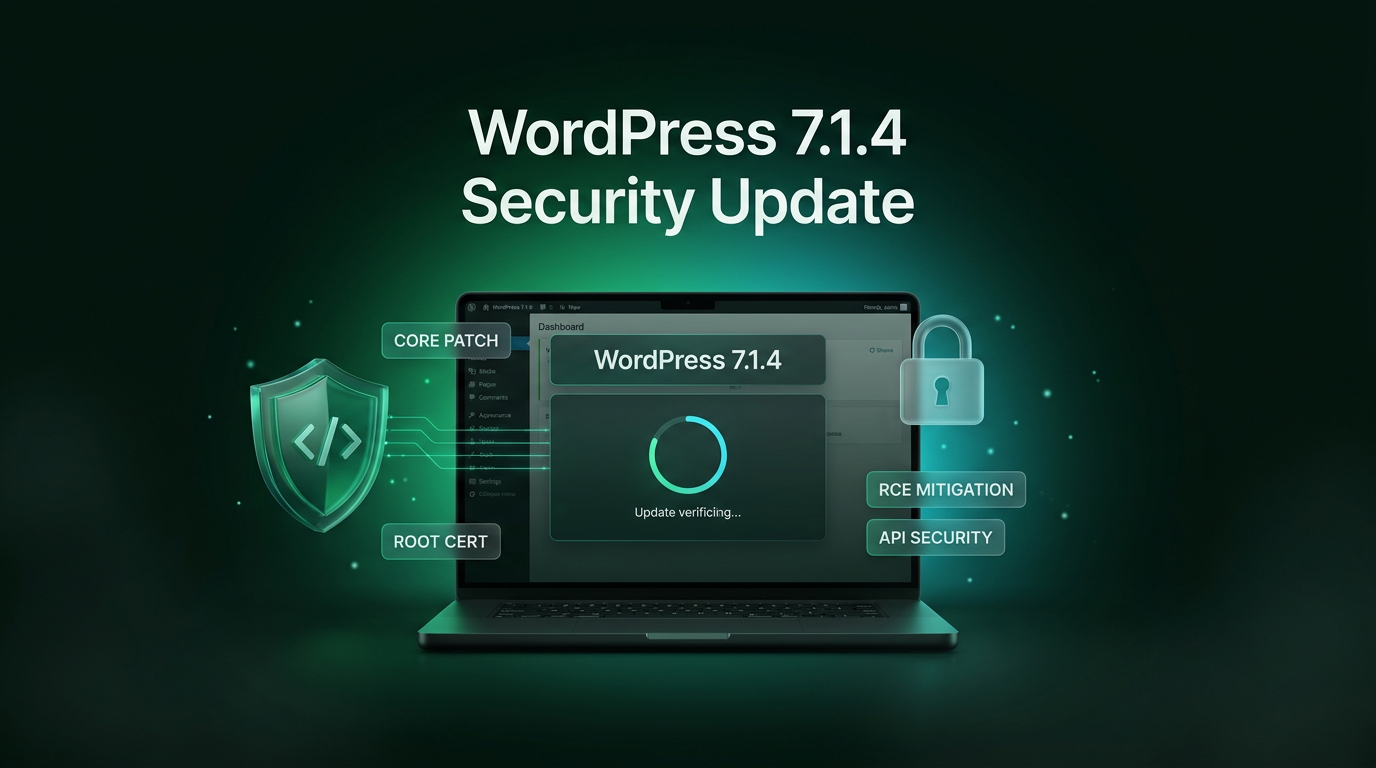
The WordPress core team has officially released the WordPress 7.1.4 update as an immediate security release addressing thirteen distinct vulnerabilities across the platform. Because this maintenance release resolves multiple high-severity issues, the WordPress security team strongly recommends that website owners update their production environments right away.
As detailed in the announcement on the official WordPress news blog, version 7.1.4 is a short-cycle security release. Development continues toward the next major milestone, WordPress 7.2, which remains planned for launch on December 8th. Administrators can upgrade directly through the WordPress dashboard by selecting Updates and clicking Update Now, or by installing the build directly from WordPress.org. Installations with automatic background updates enabled will begin receiving the patch automatically.
Key Vulnerabilities Patched in the WordPress 7.1.4 Update
This maintenance release resolves vulnerabilities that span core upgrade operations, block editor components, the newer Interactivity API, and user authorization checks. The security team credited independent security researchers and contributors for responsibly disclosing these flaws before threat actors could leverage them widely.
Remote Code Execution During Core Upgrades
The most severe vulnerability addressed in the WordPress 7.1.4 update involves a weakness in the core upgrade routine reported by Umut Bayram. Under specific conditions, this flaw could allow remote code execution during an active upgrade window. Hardening this sequence eliminates the possibility of an attacker intercepting or manipulating file operations while core files replace existing installations.
Interactivity API Vulnerabilities
Modern WordPress installations rely heavily on the Interactivity API to power reactive block behaviours. This release addresses two primary vulnerability types within that system:
- Multiple stored cross-site scripting (XSS) vulnerabilities uncovered by researchers AnC, DatNLQ, rekter0, Anas cherni, Marcel Karlsson, and members of the WordPress Security Team.
- A stored denial of service flaw within the Interactivity API discovered and reported by Jon Surrell of the WordPress Security Team.
Developers implementing modern dynamic themes should note that the WordPress 7.1.4 update hardens these interactive endpoints against malformed payloads without altering the underlying component APIs.
Block Markup and Data Removal XSS Flaws
Several stored cross-site scripting flaws affected default editor blocks and data handling tools. Rafie Muhammad of Awesome Motive identified an issue where specially crafted block markup could store malicious scripts. In addition, Anthropic reported that Privacy Data Removal Requests could be generated in a structure that triggered stored cross-site scripting, alongside a related stored XSS flaw triggered by specially crafted user login strings.
Additional block-level stored XSS issues fixed in this release include:
- A flaw in the Categories block reported by Ben Bidner.
- Issues in core Playlist and Image blocks, also reported by Ben Bidner.
- Stored XSS vulnerabilities in the comments pagination blocks reported by Alex Concha.
- A stored XSS flaw in Customizer selective refresh reported by Rafie Muhammad.
Information Disclosure and Privilege Flaws
Beyond script injection vulnerabilities, the release resolves two data exposure weaknesses. Antonio Lorensius Silaban reported that unpublished Customizer changesets could be discovered by unauthenticated users, potentially exposing draft site layouts or pending content. Separately, Ramon of the WordPress Security Team identified a permission flaw where privileged users could read internal notes attached to posts they lacked authorization to edit.
Finally, the security release updates bundled root certificates following the industry-wide revocation of eMudhra authority certificates, ensuring outbound secure connections from WordPress continue operating properly.
Why Site Owners Must Prioritize This WordPress 7.1.4 Update
While standard maintenance releases can sometimes wait for scheduled maintenance windows, the WordPress 7.1.4 update demands immediate deployment. Cross-site scripting vulnerabilities in administrative features allow low-privilege contributors to target administrative sessions, potentially leading to unauthorized plugin installations or administrative account takeovers.
Multi-author blogs, membership platforms, and e-commerce stores are particularly sensitive to these vectors. When contributors or external commenters can inject crafted payloads through pagination, categories, or user account fields, unpatched sites face elevated risks. The presence of a remote code execution vulnerability during upgrade windows further reinforces the need to patch before automated scanners seek unpatched servers.
How to Apply the WordPress 7.1.4 Update Safely
Site administrators should follow standard operational procedures when deploying this update to avoid unexpected downtime:
- Create a comprehensive backup of the database and web directory before starting any update procedure.
- Check server cron jobs and background workers to verify that automatic background updates have successfully deployed version 7.1.4.
- If updating manually, navigate to Dashboard, click Updates, and select Update Now.
- Clear server-level page caches, object caches, and content delivery network caches after the core upgrade completes.
As a safety courtesy, the WordPress security team has backported these patches to older releases starting from WordPress 4.7. While older branches receive critical security fixes, only the latest release line receives continuous active support. Along with this maintenance build, the team has rolled out WordPress 7.2 Beta 3, which incorporates the same protections for testing environments.
WordPress 7.1.4 Update FAQs
Does the WordPress 7.1.4 update install automatically?
Sites running standard background update configurations will apply the WordPress 7.1.4 update automatically over background cron tasks. Site owners who manage updates manually via WP-CLI or custom version control workflows must run the deployment command themselves.
What should administrators check after updating to version 7.1.4?
Administrators should inspect dynamic frontend blocks, the block editor, and the Customizer to confirm standard functionality. Because this update adjusts certificate bundles and block attribute sanitization, testing post saving and outbound webhook integrations is good practice.
When will the next major WordPress version arrive?
The core development team maintains a target release date of December 8th for WordPress 7.2. That upcoming major release will introduce planned feature additions, whereas version 7.1.4 remains strictly focused on security remediations.
What This Changes for Client Builds
In client operations, Wasif treats minor releases such as the WordPress 7.1.4 update as routine maintenance events that require disciplined handling. Maintaining stable digital assets relies on proactive patch schedules rather than reactive emergency fixes. For projects involving custom themes, headless integrations, and bespoke web designing, running security backports and monitoring certificate revocations guarantees uninterrupted service for business operations.
Conclusion
Bottom line: WordPress 7.1.4 is a small update with a big job. It closes thirteen security holes, including a remote code execution risk in the upgrade routine and several stored cross-site scripting flaws, so your site, your clients and your visitors stay protected. Led by release managers Aaron Jorbin and Nik Tsekouras, this release keeps production sites resilient ahead of WordPress 7.2 on December 8th.
Your next step takes about two minutes: open Dashboard > Updates, click Update Now, then confirm your site runs version 7.1.4 (or an updated backport branch). Need help hardening your site or automating safe updates? Reach out to Wasif and let’s secure your digital systems together.