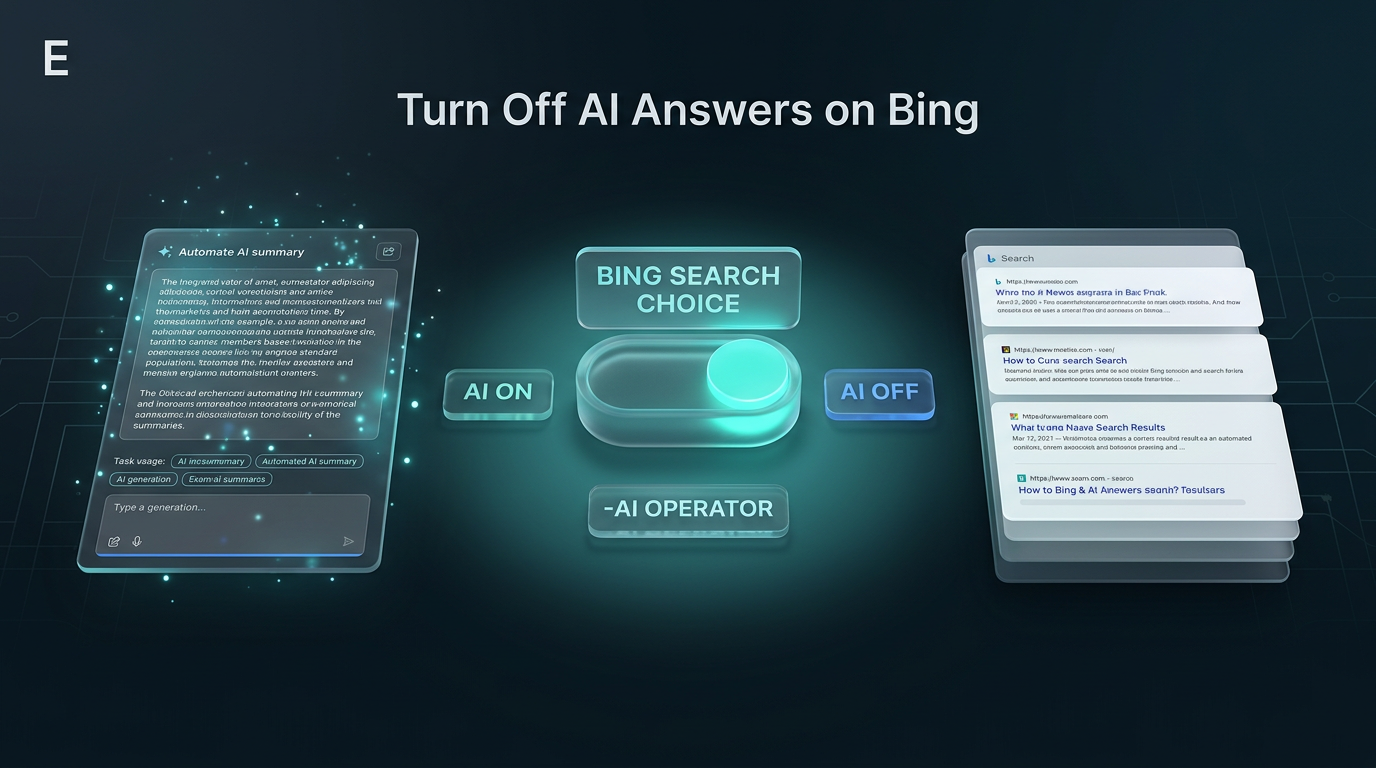
Microsoft announced two options that let users turn off AI answers in Bing search sessions. As published in the official announcement on the Bing search blog, users can now choose between AI summaries and traditional link lists.
Search engines continue to introduce automated summaries at the top of query results. While summaries can assist with direct questions, many users prefer to inspect direct website listings immediately. The update provides specific controls so searchers can choose whether automated summaries appear.
How to Turn Off AI Answers with the Preview Extension
The primary method introduced by Microsoft is a dedicated add-on named the Microsoft Bing AI Search Choice extension, currently released in preview. Once installed in a supported browser, the tool provides a toggle switch directly within the browsing interface. This switch lets users choose whether to display automated summaries or turn off AI answers across every search query on the site.
When the toggle is active, users receive the standard interface with automated overviews. When switched off, the search page displays standard web links without summary panels occupying screen space at the top. Microsoft notes that setting preferences through the extension persists across sessions, so searchers do not need to repeat the preference on every visit.
The extension is available for two major browsers: Google Chrome and Microsoft Edge. Users can download the Chrome version from the Chrome Web Store and the Edge version from Microsoft Edge Add-ons.
Installing either version sets Bing as the default search engine within that browser. This configuration allows the preference to apply consistently whenever queries originate directly from the browser address bar or new tab page.
Using the Search Operator to Turn Off AI Answers
For searchers who prefer not to install browser extensions, Microsoft also highlighted a native search operator. Anyone can turn off AI answers on an individual query basis by appending -ai to the end of their search term. This requires no software download, account configuration, or browser permission modifications.
For example, running a query like why is the sky blue -ai instructs Bing to process the request without generating an automated synthesis box. The result page returns standard blue links, meta descriptions, and publisher pages directly.
Search operators have long served technical users who need precise control over index queries. Just as negative keywords exclude specific terms from results, the minus prefix on the AI tag signals the engine to bypass summary generation entirely.
- Install the Microsoft Bing AI Search Choice extension in Chrome or Edge to apply persistent preferences.
- Use the native toggle inside the extension to switch summaries on or off as needed.
- Add the
-aioperator at the end of any individual search query to remove automated boxes without installing add-ons. - Switch between modes when research demands source verification instead of condensed answers.
Why Search Flexibility Matters for Online Research
Automated summaries change how people interact with the open web. In many research scenarios, automated overviews provide quick orientation for factual definitions or troubleshooting syntax. In other scenarios, searchers need primary documentation, original reporting, and direct software manuals rather than synthetic text that might condense nuanced details.
Microsoft stated that its research shows users want the option to choose when automated summaries participate in a session. Giving users direct control prevents interface friction for technical professionals who depend on inspecting specific web links quickly. When professionals turn off AI answers, they remove extra interface elements and review organic index listings without delays or secondary clicks.
This design also addresses ongoing debates regarding publisher attribution. Browsing direct index links lets readers evaluate original publishing dates, domain authority, and author credentials directly. Offering an explicit method to turn off AI answers acknowledges that automated overviews are not suitable for every workflow.
Screen space is another consideration. Automated summary cards often push organic search listings below the fold on standard laptop screens. When researchers conduct multi-tab inquiries across dozens of queries, scanning raw URLs and titles without extra vertical scrolling saves noticeable time.
Practical Implications for Daily Workflows
For research-heavy workflows, the introduction of both an extension and an operator provides useful flexibility. Technical workers testing software integrations or reviewing documentation can apply the -ai operator selectively whenever automated boxes obscure specific forum answers or code repositories.
The extension approach suits users who know their preference in advance and want a stable browsing setup across work machines. Because the preview extension also sets Bing as the default search engine, users must decide if changing their default engine aligns with their current setup before installing. Those who maintain custom search engines in Chrome or Edge may prefer relying strictly on the -ai operator to keep their defaults intact.
Browser policy management in corporate or enterprise settings also influences this choice. IT departments that manage browser profiles through centralized policies might restrict unauthorized third-party add-ons. In those environments, the operator technique requires zero administrative approval and functions immediately in any modern browser window.
Because Microsoft released the extension in preview, the company is gathering feedback on features through social channels like X. Searchers who find specific layout bugs or missing settings can submit input directly while the software undergoes testing.
Where Search Controls Fit in Real Projects
In client environments, reliable information retrieval forms the backbone of operational research. When Wasif designs automated pipelines and custom integrations, maintaining visibility into exact API endpoints and original developer documentation is essential. Clean, unsummarized search results help builders verify official parameters rather than condensed explanations.
Teams building internal workflows or adopting tools through AI automation often run into moments where direct source auditing matters. Having accessible controls to turn off AI answers ensures teams can switch between automated summaries and raw technical manuals without switching search engines entirely. Clean reference discovery keeps development workflows grounded in verified data.
Balancing automation with manual review is a recurring theme across modern software projects. While automated systems handle high-volume routine queries effectively, edge cases and architectural choices demand unmediated inspection of original sources.
Frequently Asked Questions
Can I disable automated summaries in Bing without installing an add-on?
Yes. You can turn off AI answers on any query by typing -ai at the end of your search phrase, which prevents summary generation for that specific search.
Does the Microsoft Bing AI Search Choice extension work in Mozilla Firefox?
At launch, Microsoft made the preview extension available for Google Chrome and Microsoft Edge. Firefox users can use the -ai operator to achieve the same result without an extension.
Does installing the extension change my search settings?
Yes. Installing the preview extension in Chrome or Edge automatically sets Bing as the default search engine for the browser.
Conclusion
Microsoft provides practical options for searchers by introducing both the browser toggle extension and the -ai operator. Whether users need fast summaries or prefer direct links, these controls make it easy to turn off AI answers whenever project accuracy requires direct source examination.
To discuss building custom digital workflows or system integrations for your business, connect through the contact page.