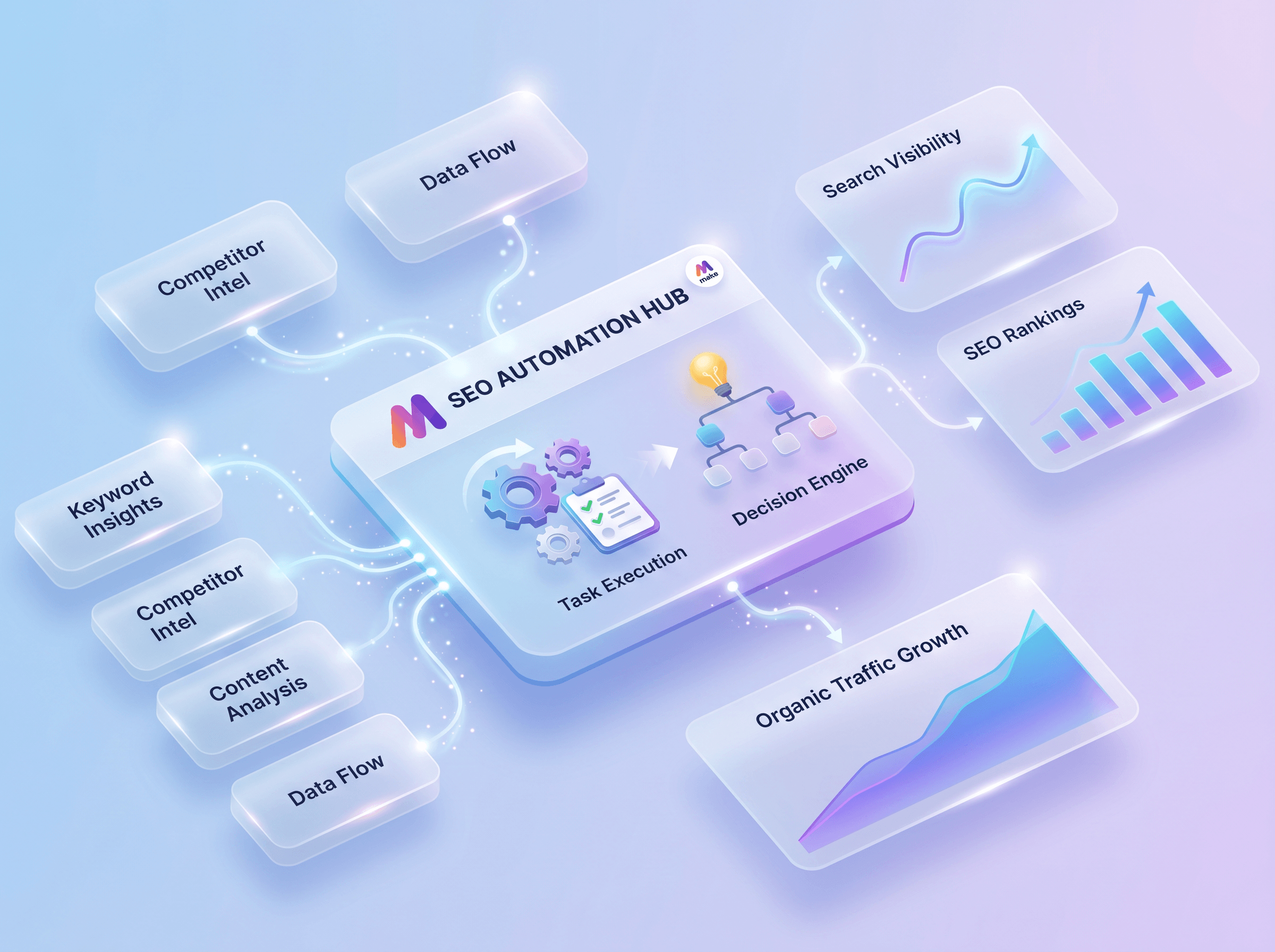
Manual search engine optimization tasks often stall content pipelines. Marketing teams spend hours copying keyword metrics, checking search rankings, and updating spreadsheets. Implementing structured SEO automation workflows changes this dynamic by handling repetitive data tasks automatically.
By utilizing modern tools, businesses can connect their analytics platforms directly to their project management systems. This ensures that technical issues and ranking drops are addressed immediately. Utilizing AI automation to manage these processes keeps marketing teams focused on creative strategy rather than manual entry.
Why Automate Search Engine Optimization?
Search engine optimization requires consistent monitoring to remain effective. A single missed broken link or a sudden drop in keyword rankings can damage search visibility over time. By automating these checks, businesses maintain their search presence without dedicating daily manual labor to the task.
According to the guide on SEO automation published by Make, automation allows teams to scale their organic reach without expanding their headcount. Instead of manually auditing pages, systems can run in the background to flag problems. This proactive approach ensures that optimization issues are resolved before they impact organic search traffic.
Core Components of Effective SEO Automation Workflows
To build functional SEO automation workflows, three elements are necessary: data triggers, processing logic, and distribution channels. Data triggers pull information from tools like Google Search Console, Ahrefs, or Semrush. Processing logic, managed by platform integrations, filters and organizes this data based on specific business rules.
Finally, distribution channels send alerts to team communication tools or update a central dashboard. For example, a workflow might trigger when a high-value page drops below position ten on Google. The system processes the change and immediately sends a notification to the marketing team’s Slack channel with details about the drop.
Step-by-Step: Building a Keyword Monitoring Pipeline
Creating an automated pipeline does not require complex coding. By utilizing visual builders, you can map out data flows that connect your favorite SEO tools to your internal databases.
Step 1: Define the Data Source
Connect your primary SEO tool to your automation platform. For instance, you can set a trigger to run every Monday to retrieve search queries from Google Search Console. Store these initial queries in a centralized database like Google Sheets or Airtable.
Step 2: Establish Filtering Rules
Avoid processing every single minor keyword fluctuation. Set up router modules within your workflow to only trigger actions when a ranking drops by more than three positions. This keeps your team focused on significant changes that actually impact traffic.
Step 3: Automate the Content Brief
When a significant drop is detected, trigger an API call to an AI service to analyze the page. The system can generate a brief optimization plan based on top-performing competitors for that specific search query.
Step 4: Deliver Actionable Tasks
Send the completed optimization brief directly to your content team. You can automate this by creating a new task on a project board, complete with the target keyword, current ranking, and the generated brief.
Common Mistakes in SEO Automation
While automation increases efficiency, improper setup can lead to search penalties or broken workflows. Avoid these common pitfalls when designing your systems:
- Publishing raw, unedited AI content directly to your website without human editorial review.
- Failing to set up error handling, which causes your automated scenarios to stop running when an API limit is reached.
- Over-automating qualitative tasks, such as brand voice alignment or user experience decisions.
- Neglecting to monitor your automation paths when external SEO tools update their API structures.
FAQs
Can you fully automate SEO?
No, complete automation is not recommended because search engines prioritize high-quality, human-curated content. Automation should handle data gathering, reporting, and technical audits, leaving strategy and creative writing to human experts.
What is the best tool for SEO automation?
Make.com is highly effective for connecting diverse SEO APIs, databases, and communication tools. It allows users to build complex logic and data routing without writing custom code for every integration.
How does automation affect search engine rankings?
When used correctly for technical audits, speed optimizations, and keyword tracking, automation improves rankings by helping teams fix issues faster. However, using automation to spam low-quality backlinks or auto-generate thin content will result in search engine penalties.
Putting SEO Automation to Work
Wasif builds custom data pipelines that bridge the gap between technical search optimization and daily business operations. When developing new web platforms, Wasif integrates these SEO automation workflows directly into client management systems. This ensures that as soon as a new page goes live through web designing services, it is automatically indexed and tracked.
By linking search data directly to Go High Level CRM systems, Wasif helps business owners see the direct financial return of their organic search traffic. This integrated approach ensures that marketing data is never siloed, allowing businesses to react instantly to search engine shifts.
To discuss how custom automation can streamline your search engine strategy, reach out to Wasif at https://wasifahmed.dev/contact/.