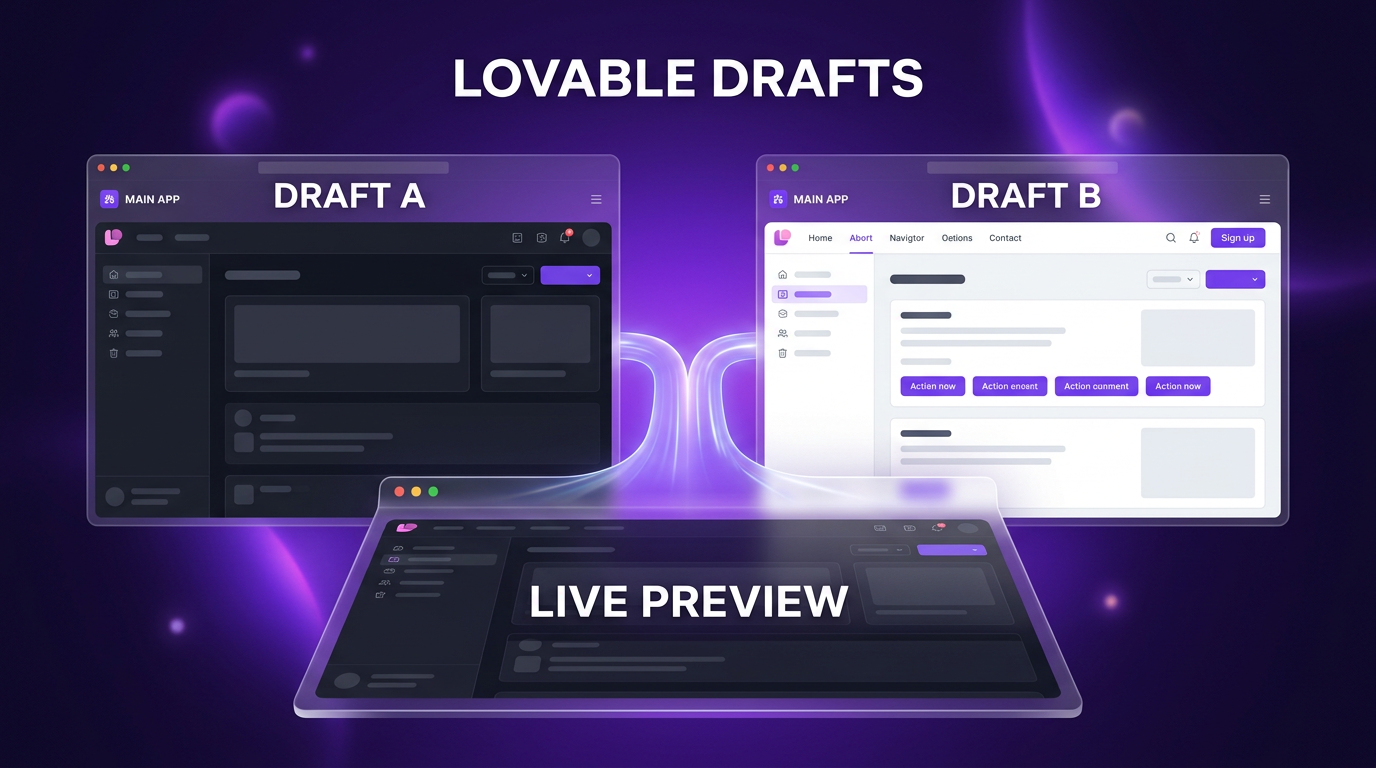
AI app building platforms are increasingly shifting their focus from basic code generation to multi-user collaboration. In a product update announced on the Lovable blog, Lovable introduces drafts to give developers and teams an isolated workspace where they can test interface adjustments, layout experiments, and copy tweaks without modifying their production applications.
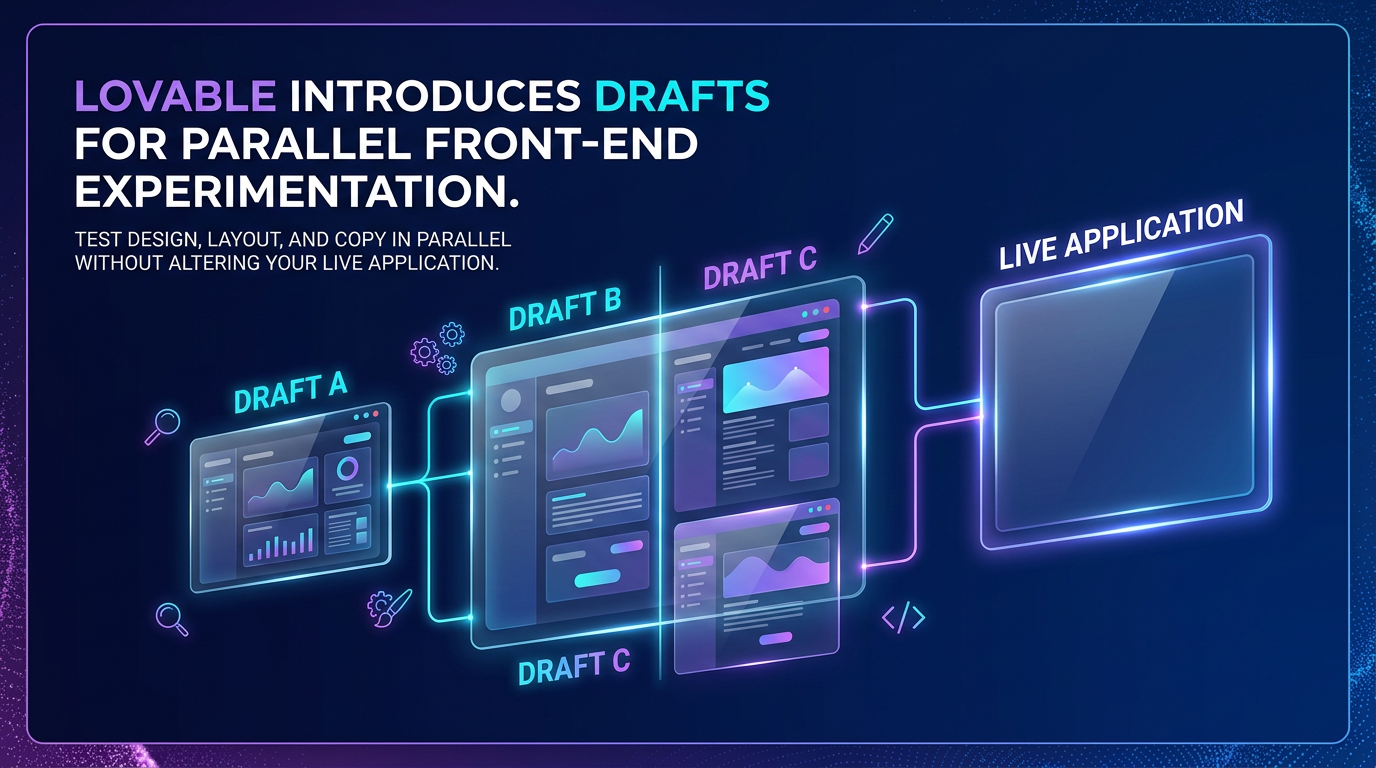
Previously, any prompt or direct change entered into a Lovable project applied immediately to the working build. If an edit did not work as expected, builders had to revert their project state or create an entirely separate remix. The new drafts feature eliminates this friction by allowing multiple parallel versions of a single project to exist side by side.
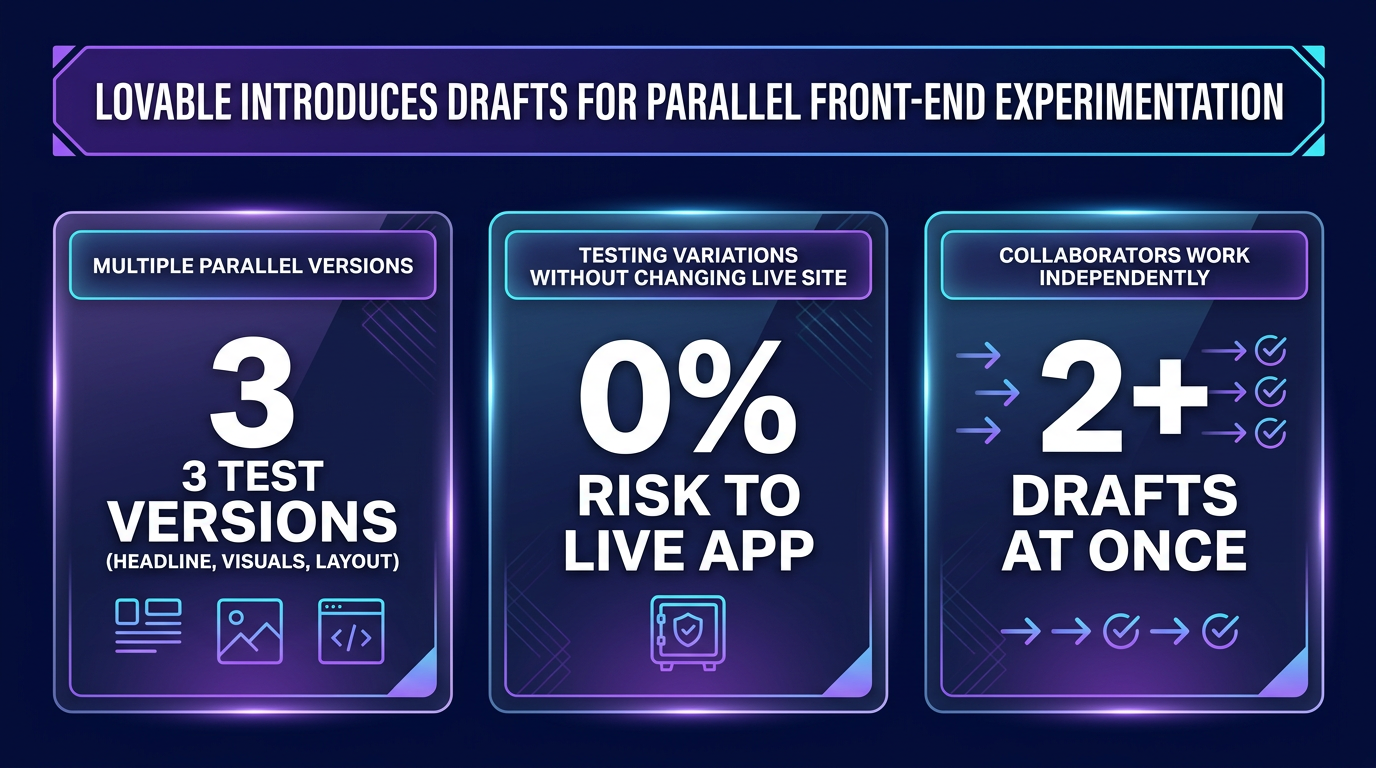
Because Lovable introduces drafts at the project level rather than the page level, every collaborator working inside a given draft sees the same isolated environment. That consistency is what lets designers, copywriters, and engineers review one shared version of a change instead of comparing separate screenshots.
How Lovable Introduces Drafts into the Development Workflow
A draft in Lovable is an independent copy of a project equipped with its own dedicated prompt chat and live preview window. Builders can spin up multiple drafts at the same time to test divergent visual styles, alternative navigation patterns, or revised marketing copy. Because each draft operates in isolation, team members can experiment freely without disrupting the live application that active users see.
The mechanics of using drafts follow a straightforward sequence within the Lovable interface:
- Open the project editor and select the project name at the top of the screen to click ‘New draft’.
- Enter prompts in the dedicated draft chat to adjust styling, components, or interface elements.
- Review the visual changes in real-time preview and toggle between different drafts to compare options.
- Select ‘Accept’ on the winning version to merge those modifications into the main project.
- Click ‘Publish’ to push the accepted adjustments directly to the live application.
If a particular experiment fails to deliver the right result, users can simply discard the draft or revert the project state without any residual impact on the primary build.
Front-End Scope and Current Technical Boundaries
In this initial release, drafts focus specifically on the presentation layer of applications. Lovable has confirmed that drafts work on projects with or without an attached database, but the modifications are confined to front-end assets and visual structure. Any fundamental adjustments to database schemas or authentication settings must still be made directly within the main project chat. Because Lovable introduces drafts as a front-end-only sandbox for now, that boundary is worth remembering before promising a client a database-level change inside one.
Because drafts connect directly against the published application’s existing database, builders can preview interface changes with realistic project data intact. The company has stated that it plans to expand the types of structural changes supported in future iterations of the feature.
Front-end elements that builders can explore inside drafts right now include:
This is precisely the gap Lovable introduces drafts to close: previously, testing even a small visual change meant accepting some risk to the live build.
- Palette shifts, font selections, and revised layout grids.
- Headlines, subheadings, and call-to-action button phrasing.
- Static media updates, including new photography, illustrations, and embedded video.
- Interactive interface elements such as sticky navigation headers, image carousels, and scroll animations.
- Sitewide alert bars, promotional banners, empty states, and custom 404 error pages.
Collaboration Benefits for Teams and Clients
One of the primary friction points in modern web designing workflows is managing feedback from non-technical stakeholders. When multiple people review an application, suggestions often arrive through disconnected documents, spreadsheets, or chat threads. When Lovable introduces drafts into a team workflow, copywriters, marketers, and clients can test their ideas directly in a working interface rather than writing static notes.
This parallel setup allows a designer to refine an image carousel in one draft while a copywriter tests sharper button labels in another. Project owners retain full administrative oversight because no changes reach the live URL until an authorized user explicitly accepts the draft and clicks publish. This permission model ensures that opening a project to collaborators does not compromise the stability of live applications.
Implications for Rapid Prototyping and Delivery
The introduction of branch-like draft environments represents a maturing phase for AI-assisted software generation. As web builders combine natural language prompting with automated workflows and AI automation pipelines, the risk of breaking live functionality during minor interface updates has historically slowed down deployment cadence.
Drafts bring traditional version-control concepts into a visual, prompt-driven environment. Builders no longer need to maintain manual duplicates or worry about lost project states when testing quick revisions. Instead, they can iterate rapidly across multiple design directions, gather instant visual feedback, and promote validated changes to production in a controlled manner.
Putting Drafts to Work in Client Builds
In client projects and custom software builds, Wasif uses structured staging patterns to ensure production systems remain stable while front-end adjustments are evaluated. Features like Lovable drafts allow design variations and copy updates to be reviewed inside live preview environments before being merged into production workflows. This approach keeps development quick while protecting existing database structures and user-facing features.
For freelancers and agencies, the fact that Lovable introduces drafts as a native part of the editor, rather than as a separate staging tool, means client sign-off can happen inside the same project with no extra setup or hosting to manage.
If you want to build clean web applications or integrate custom AI systems into your business, explore how Wasif can help by reaching out through the contact page.