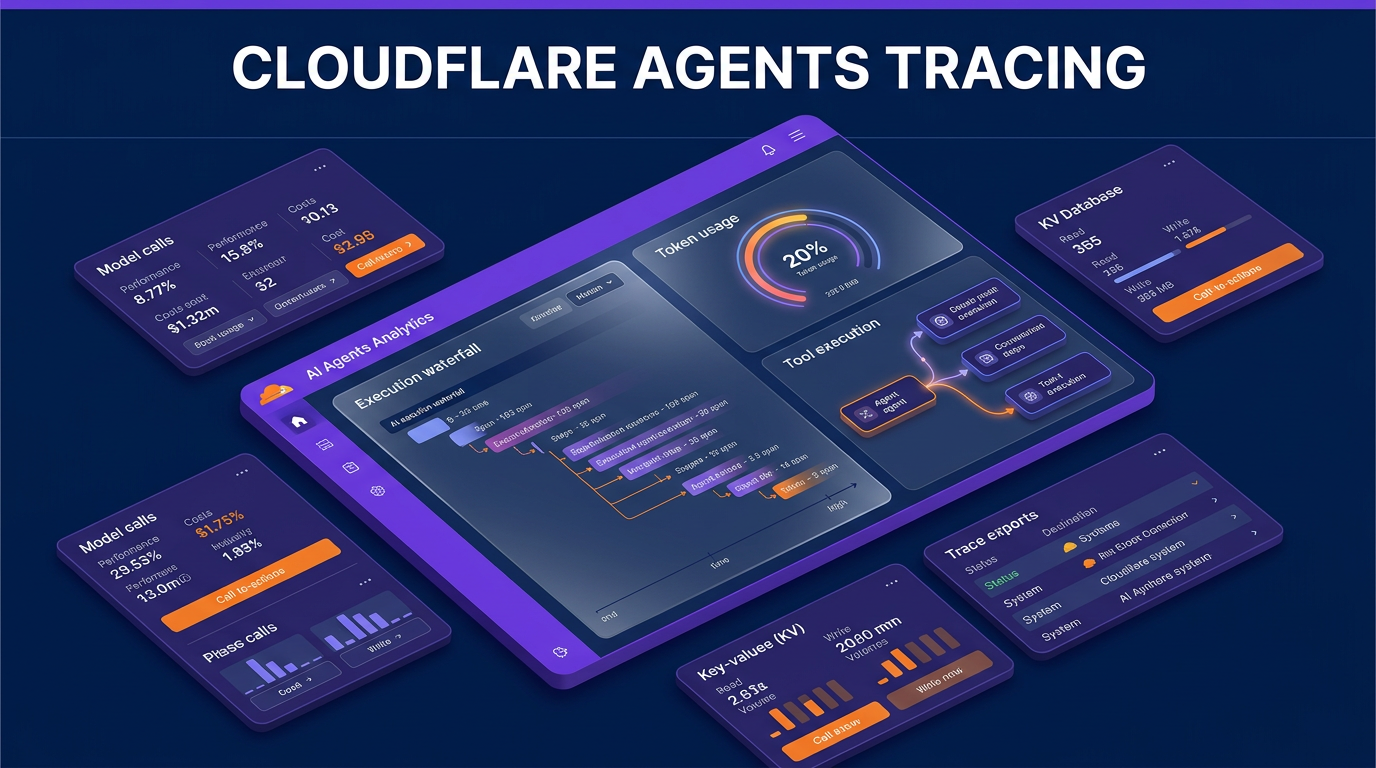
Cloudflare has introduced agent tracing as part of its Cloudflare Agents product suite, giving developers deeper visibility into autonomous AI applications running on Cloudflare Workers. As announced on the Cloudflare blog, the feature brings agent-specific telemetry, session replays, and execution waterfalls directly into the Cloudflare dashboard.
Building AI agents requires managing complex workflows, including model selection, context passing, external tool execution, and retry loops. Traditional application monitoring shows whether an API endpoint returned a successful status code, but it fails to reveal internal logical errors within an agent. Cloudflare Agents tracing addresses this gap by capturing agent-level operations alongside existing infrastructure data.
Key Features Introduced in Cloudflare Agents Tracing
The new tracing functionality allows developers to inspect every turn of an agent session. Instead of reviewing scattered logs, developers can view full execution timelines that connect model calls with infrastructure events.
- Session Replays: The dashboard includes a Messages tab that reconstructs the complete conversation for a turn, including system instructions, user prompts, internal model reasoning, tool arguments, tool outputs, and final responses.
- Trace Waterfalls: The Traces tab displays visual waterfalls that map out execution times across parent agents, subagents, and infrastructure calls.
- Resource Correlation: Existing Worker bindings like Cloudflare D1 queries, KV storage writes, Durable Objects, and external fetch requests appear directly under the specific agent operation that triggered them.
- OpenTelemetry Support: Traces adhere to OpenTelemetry Generative AI semantic conventions. The feature supports Think, Flue, and Vercel AI SDK out of the box, with plans for broader native OpenTelemetry ingestion within Workers.
- Privacy Controls: Developers can disable payload logging for messages and tool outputs using configuration flags like storeMessages and storeTools to protect sensitive personal data.
Why Agent Telemetry Matters for Builders
AI agents often run into silent failures. An agent script can return an HTTP 200 response while selecting the wrong database tool, looping repeatedly on failed calls, or passing outdated context to a subagent. Without tailored tracing, diagnosing these issues requires adding manual log statements throughout the codebase.
Cloudflare Agents tracing simplifies debugging by attributing execution time and token usage to specific steps. For example, if a travel planning agent delegates tasks to an itinerary builder subagent, the trace reveals how much time was spent on initial routing versus subagent processing, down to individual millisecond metrics for D1 database queries and KV writes.
Additionally, developers can export structured trace data to any OpenTelemetry-compatible platform via Wrangler configuration files. This allows teams to feed execution data into external analytics tools, automated evaluation pipelines, and custom cost dashboards.
Setup Requirements and Pricing Schedule
Enabling agent tracing requires updating the Wrangler project configuration file to enable observability traces:
{ "observability": { "traces": { "enabled": true } } }
For applications built with the Vercel AI SDK, developers wrap the SDK using Cloudflare’s standard adapter function. Frameworks like Think and Flue emit tracing telemetry automatically once enabled, while custom harnesses can use Cloudflare’s custom spans API.
Cloudflare states that agent tracing is free to use while in beta. On October 1, 2026, tracing will transition into standard Workers Observability pricing. Under this structure, the Workers Free plan includes 200,000 daily events with three days of data retention. The Workers Paid tier provides 20 million monthly events with seven days of retention, charging $0.60 per additional million events.
Where This Fits in Client Build Architecture
When constructing automated workflows and backend components, maintaining complete visibility over execution paths is essential for long-term operational stability. Wasif builds AI automation pipelines that integrate custom serverless functions with external CRM platforms like Go High Level and database tools.
Adding structured telemetry directly to serverless worker environments ensures that multi-step AI operations remain predictable. For complex workflows involving secondary agent calls or automated data syncing into custom backends, detailed execution waterfalls make it straightforward to isolate bottlenecks and prevent token waste.
Frequently Asked Questions
What frameworks are supported by Cloudflare Agents tracing?
At launch, Cloudflare Agents tracing natively supports Think, Flue, and Vercel AI SDK. Custom agent frameworks can send telemetry using Cloudflare’s custom spans API following OpenTelemetry Generative AI semantic conventions.
How are trace events billed on Cloudflare Workers?
Tracing is free during the beta period. Starting October 1, 2026, events will fall under standard Workers Observability pricing, which includes 200,000 daily events on the free plan and 20 million monthly events on paid plans.
Can trace data be exported to third-party monitoring platforms?
Yes, developers can configure OTLP-compatible destinations inside their Wrangler configuration file to stream trace data directly to external observability and analytics providers.
If you need assistance designing stable AI architectures or modern web backends, contact Wasif to discuss your project.