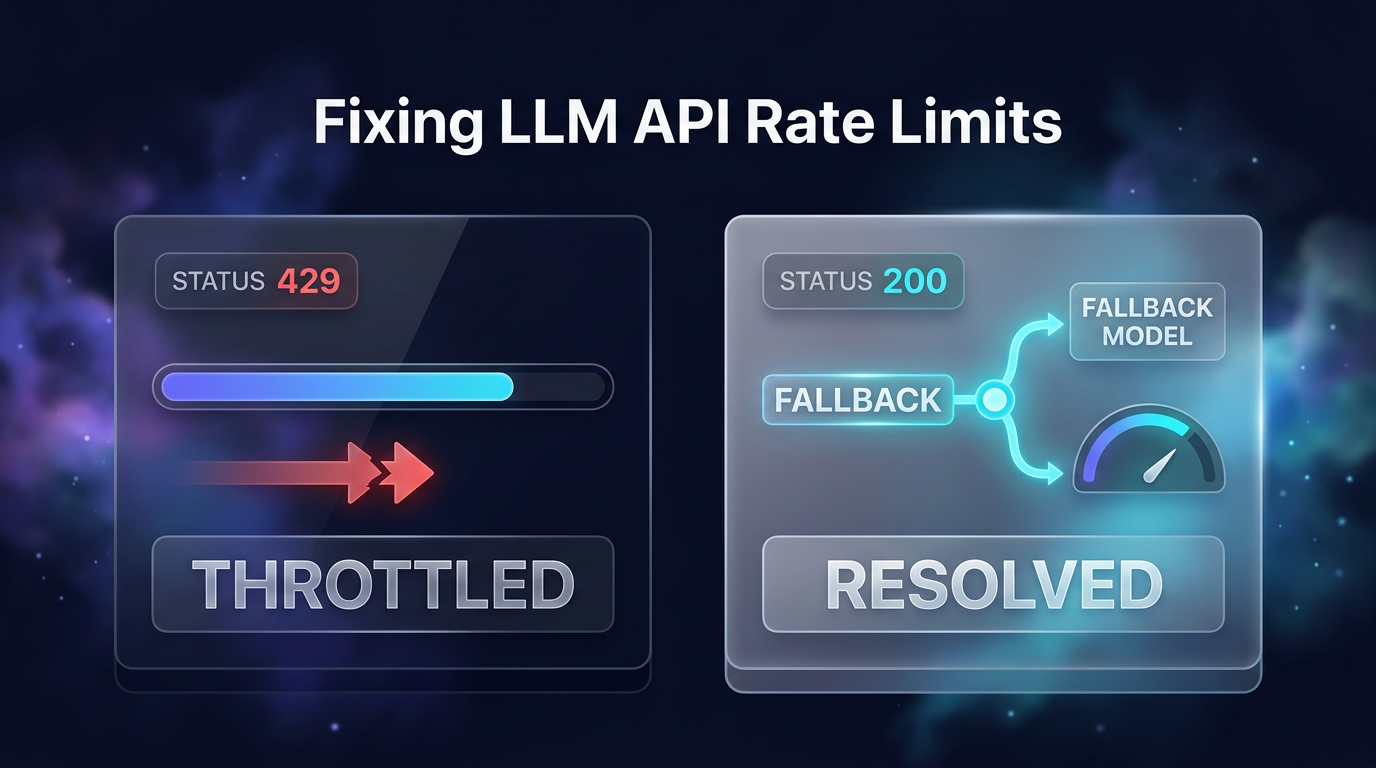
A 429 Too Many Requests response is one of the most frustrating bottlenecks when working with LLM API rate limits. It signals that your application has exceeded either the allowed request volume or the maximum token quota in a specific rolling window. Most developers encounter this issue the moment an automated workflow scales up, batch jobs trigger multiple concurrent workers, or customer traffic spikes. When default software development kit (SDK) configurations fail to handle these spikes, backend processes stop and user queries hang.
Understanding how LLM API rate limits function is the first step toward building resilient backend pipelines. According to testing shared in an OpenRouter guide on fixing rate limits, relying purely on default SDK retry settings often leaves dozens of requests unresolved. In their documented benchmark of a 60-prompt batch sent through the OpenAI Python SDK against a per-minute limit, 23 requests still failed because standard retries expired seconds before the rate window reset. Fixing this requires reading response metadata accurately and applying structured retry and fallback strategies.
How LLM API Rate Limits Trigger in Production
Rate limiting mechanisms do not always behave like rigid counters that reset cleanly at the start of every minute. Instead, major providers like OpenAI, Anthropic, and multi-model aggregators like OpenRouter employ varying algorithms such as continuous token buckets or sliding windows. These systems evaluate both requests per minute (RPM) and tokens per minute (TPM). Anthropic utilizes a token bucket that refills continuously, meaning capacity returns gradually rather than all at once. OpenAI can return a 429 status code with a message indicating traffic must slow down if request velocity accelerates too quickly, even if cumulative counts stay below stated limits.
In empirical tests running concurrent calls to free or shared endpoints, rate limiters often permit short bursts before the enforcement counter catches up. For example, sending 40 simultaneous calls against an endpoint with a stated limit of 20 requests per minute resulted in 38 successful responses before the limiter clamped down on the final two. Consequently, developers should treat published thresholds for LLM API rate limits as dynamic boundaries where throttling begins, rather than exact counts where requests instantly fail.
Step 1: Inspect Error Headers and Limit Sources
Before writing custom retry loops, inspect the exact metadata returned inside the HTTP 429 payload. Different causes require fundamentally different architectural remedies. Waiting out a timer only works when you are throttled by a scheduled window. If the upstream compute provider has zero remaining capacity, an endpoint-specific retry will repeatedly fail regardless of delay.
When encountering LLM API rate limits, pay close attention to standard and custom headers:
- X-RateLimit-Limit: Specifies the ceiling for allowed operations within the current window.
- X-RateLimit-Remaining: Displays how many calls or tokens remain before throttling takes effect.
- X-RateLimit-Reset: Provides the exact Unix timestamp in milliseconds indicating when the current window resets.
- Retry-After: Gives the waiting period in seconds or as an HTTP-date format before a subsequent request can succeed.
- limit_source: A metadata field used by routing layers like OpenRouter that identifies whether the blockage stems from account-level quotas, free-tier limits, or upstream capacity shortages.
Checking these values in your error handling logic prevents wasted computation. For instance, if an error returns a source pointing to account credit exhaustion or daily budget caps, automated retries should halt immediately rather than hammering the gateway with calls that cannot succeed.
Step 2: Schedule Retries with Server Reset Timestamps
Default SDK retries typically rely on a brief exponential backoff that begins around half a second and tops out around eight seconds. In testing scenarios against a per-minute quota, the OpenAI Python SDK made two quick retries within approximately two seconds before abandoning the request. The rate window on the server did not reset until four to eight seconds after the SDK gave up. Because failed requests still register against your quota on platforms like OpenAI, premature retries simply exacerbate the problem.
To navigate LLM API rate limits reliably, program your request client to read the Retry-After or X-RateLimit-Reset header directly. When the header supplies an explicit timestamp, calculate the exact difference between that timestamp and current system time. Add a randomized jitter between one and five seconds to prevent concurrent client threads from executing simultaneous retries when the window opens. When benchmarked, switching from hardcoded backoff to timestamp-driven retries enabled full completion of 60 batch requests in roughly 90 seconds, eliminating dropped calls entirely.
Step 3: Route Overflow Traffic to Fallback Models
Waiting for a per-minute rate window to reset is effective for background batch processing, but it introduces unacceptable latency for real-time customer experiences. If a user is waiting for an interactive response in a customer portal or web application, adding a 60-second sleep delay destroys user satisfaction. The solution is programmatic model fallback.
When primary LLM API rate limits trigger, your application can catch the 429 status code and route the payload immediately to an alternative model with separate capacity. In the referenced OpenRouter benchmark, redirecting overflow traffic to an alternate or paid fallback tier finished all 60 requests in just 13 seconds with negligible operational cost. Integrating fallback routing ensures your workflows remain functional even during peak platform congestion.
Step 4: Enable Multi-Provider Failover for Shared Endpoints
Capacity limits frequently occur at the inference provider level rather than your personal account level. Open-source models and shared infrastructure providers often hit temporary hardware saturation during global traffic spikes. When an error metadata payload lists an upstream provider capacity shortage, sending further calls to that same infrastructure yields consistent failure.
Enabling multi-provider failover distributes traffic across distinct infrastructure hosts offering identical weights. In resilience testing where requests were pinned to a single hosting provider with failover disabled, up to 32 out of 150 requests failed due to capacity constraints. When dynamic failover routing was activated across alternative compute providers, all 150 requests completed without dropping a single packet. Configuring your API layer to swap upstream hosts preserves continuity across mission-critical systems.
Avoiding LLM API Rate Limits Before They Trigger
Proactive traffic management helps prevent 429 errors from appearing in the first place. You can implement several design patterns to smooth out demand curves:
- Client-Side Rate Limiting: Enforce local token bucket algorithms or concurrency throttles in your application so outgoing calls never exceed published quotas.
- Queueing and Worker Batching: Place incoming user actions into durable message queues that dispatch requests in steady intervals instead of unthrottled bursts.
- Semantic Response Caching: Cache common prompt completions in local memory or Redis to eliminate redundant round trips to external LLM endpoints.
- Key Tier Management: Upgrade from initial organization tiers to higher production tiers with enterprise limits once prototype testing concludes.
FAQs
Why do my default SDK retries still fail with a 429 error?
Default SDK retries usually cap their waiting period at a few seconds, which is insufficient for standard 60-second rolling rate windows. Because the SDK abandons the request before the provider window clears, your calls fail despite multiple retry attempts. Reading the server reset headers and pausing until the designated window opens solves this discrepancy.
What is the difference between RPM and TPM rate limits?
Requests per minute (RPM) limits how many individual HTTP calls you can dispatch within a rolling 60-second window regardless of prompt length. Tokens per minute (TPM) measures the combined volume of input and output tokens processed in that same timeframe. You can hit a TPM limit on a single large context call while remaining well under your RPM threshold.
How do LLM API rate limits handle streaming responses?
Streaming completions count toward both your RPM and TPM quotas as tokens are generated across the connection. If you hit your token cap mid-stream, the connection can terminate unexpectedly with an error frame. Monitoring cumulative token usage across active streams is necessary to prevent abrupt mid-generation cutoffs.
Building Resilient Automation Systems
Handling LLM API rate limits effectively is a core engineering requirement for reliable AI automation and production-ready Agentic AI Systems & AI Workforce builds. In practical deployments, Wasif designs automation architectures with built-in queueing, header inspection, and secondary provider fallbacks to ensure client operations run smoothly without manual intervention.
Conclusion
Managing LLM API rate limits requires moving beyond simplistic retry loops toward header-aware, resilient infrastructure. By reading exact reset timestamps, configuring model fallbacks for interactive flows, and leveraging multi-provider routing, you can eliminate 429 bottlenecks and keep your AI workflows running reliably under heavy production load.
If you need assistance designing resilient AI automation pipelines or resolving production API bottlenecks, reach out directly at wasifahmed.dev/contact/.