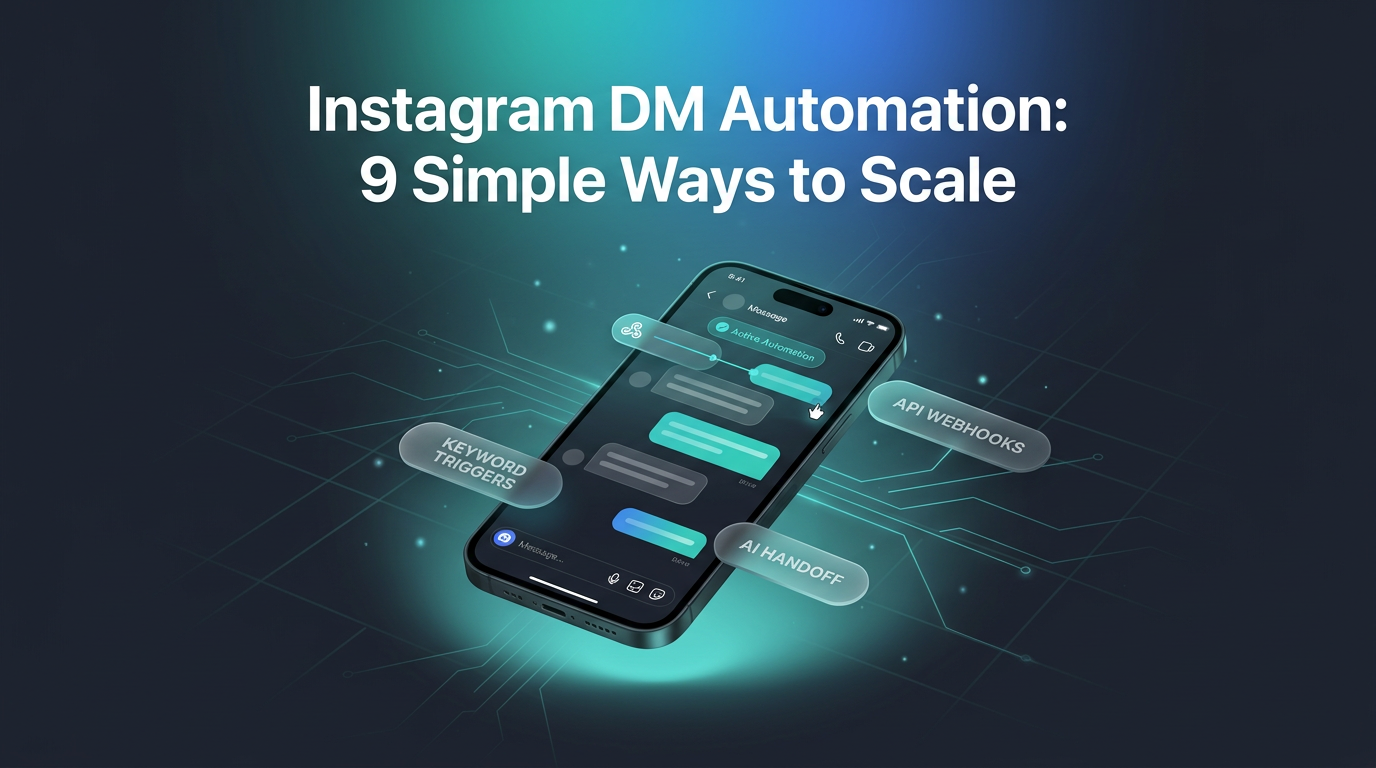
Instagram DM automation gives businesses the ability to handle high volumes of customer enquiries without spending hours typing manual responses. When multiple prospects message your profile about pricing, product availability, or appointments, responding instantly helps capture interest before it fades.
Modern automation workflows go beyond static autoresponders. By connecting user actions like comments, story mentions, and keyword replies to structured messaging flows, brands can qualify leads, distribute resources, and guide buyers efficiently. A practical breakdown from the Zernio guide on Instagram DM automation outlines how companies implement these systems and navigate technical limits.
When to Use Instagram DM Automation in Your Business
Deploying Instagram DM automation works best when triggered by specific user interactions. Instead of sending unsolicited blasts, effective workflows respond directly to actions your audience takes across your posts, stories, and direct message inbox.
1. Post and Reel Comments
When viewers leave a specific comment on your post or Reel, an automated workflow can send a direct message immediately. If a video demonstrates a workflow and asks viewers to comment the word RESOURCE, the system sends the full link straight to their inbox. This tactic works reliably for distributing downloadable assets, discount codes, or direct checkout links.
2. Inbound Keyword Triggers
Specific keywords sent in private messages can initiate predetermined conversation paths. A prospective client who types PRICING receives an immediate breakdown of packages, while someone messaging BOOK gets a link to schedule a consultation. This filters routine questions and directs users to exact answers.
3. Story Mentions
When a user tags your account in an Instagram Story, an automated response can thank them or share a promotion. For instance, an e-commerce store can send a discount voucher to anyone who mentions their product in a Story, encouraging repeat purchases.
4. New Follower Greetings
Setting up an automated greeting when a new user follows your account can introduce your core catalog or services. Keeping this initial note short and helpful prevents it from feeling spammy.
5. Direct Ad Inquiries
Click-to-Instagram Direct ads route prospective buyers into private message conversations rather than external landing pages. An automated sequence can ask qualifying questions, gather customer requirements, and deliver options directly in the chat.
6. Story Replies
Automated rules can recognize replies to specific Stories. If a brand showcases a limited-run product on Stories, an automated trigger can reply with product dimensions or a checkout link when viewers respond.
7. Repetitive Customer Questions
Routine enquiries regarding shipping areas, operating hours, return windows, or exchange rules consume administrative time. Automated logic resolves these recurring questions instantly while keeping team members available for unique issues.
8. Lead and Booking Follow-ups
When a prospect begins an enquiry or asks about booking an appointment, timed follow-up messages can prompt them to complete the process within standard messaging windows allowed by platform policies.
9. High-Volume Campaign Spikes
During product launches, giveaways, and seasonal sales, the volume of incoming messages often overwhelms manual teams. Automating repetitive replies keeps response times low during critical sales periods.
Common Limitations of Traditional Automation Tools
While many platforms support basic Instagram DM automation, growing businesses and developers often encounter structural limitations that restrict custom workflows.
- Restricted Event Triggers: Many off-the-shelf tools only permit simple keyword matches or basic comment triggers, offering limited support for multi-condition logic or contextual filtering.
- Constrained API Endpoints: Several existing providers allow users to manage subscriber lists and tags via API, but lack public REST endpoints to build or modify automation flows programmatically.
- Absence of Built-in MCP Servers: Standard platforms rarely support the Model Context Protocol, forcing developers to configure manual node connections rather than connecting an AI agent directly to messaging functions.
- Context Boundaries: Many tools discard interaction history between sessions, meaning an automated responder may lack awareness of the specific post or product the user referenced in an earlier exchange.
Three Methods to Implement Instagram DM Automation
Depending on your technical requirements, there are several ways to configure your messaging infrastructure, ranging from visual workflow builders to developer APIs.
Visual Node-Based Builders
Platforms like Zernio provide visual workflow canvases where triggers such as Story mentions or post comments connect to condition branches, timed delays, and message steps. This visual approach allows operators to build multi-branch routing and human handoffs without writing backend software. Businesses looking to expand their presence often pair these visual flows with ongoing social media management to coordinate publishing schedules with inbox responsiveness.
Direct Messaging APIs and Webhooks
For custom web applications or tools like Make, utilizing a unified messaging API provides granular control. Inbound webhooks alert your external server whenever an Instagram DM arrives. Your application logic processes the text, queries internal databases, and sends targeted replies through the API. Teams building broader AI automation pipelines often prefer webhook architectures to connect customer chats directly to their custom databases.
Connecting AI Agents via Model Context Protocol
Using an MCP server connects autonomous AI agents directly to social channels through structured toolsets. Rather than manually mapping every decision branch, an agent reads conversation context, evaluates user sentiment, and sends appropriate replies based on your system guidelines.
Frequently Asked Questions
Can Instagram DM automation get an account flagged?
Instagram DM automation is safe when built using Meta-approved APIs and official partner tools. Using unofficial scrapers or sending repetitive, unsolicited spam violates platform terms and risks restrictions.
What happens when a customer asks a question the automated system cannot resolve?
Well-designed workflows include human handoff conditions. When user input fails keyword matching or sentiment checks, the conversation transfers to a team inbox for manual resolution.
Does Instagram DM automation work on personal profiles?
Automated messaging requires an Instagram Professional account, either a Business or Creator profile, connected to a Facebook Page to access standard platform messaging APIs.
Putting Messaging Automations to Work
Wasif designs automated messaging workflows that connect social engagement directly to business operations. In real-world deployments, the goal is never to replace authentic human communication entirely, but to eliminate manual delays on repetitive questions. Connecting incoming social leads to CRM records and scheduling links ensures prospective clients receive answers immediately, keeping conversion rates steady without adding unnecessary overhead.
If you want to configure structured messaging workflows or custom automations for your business, reach out through the contact page to discuss your setup.