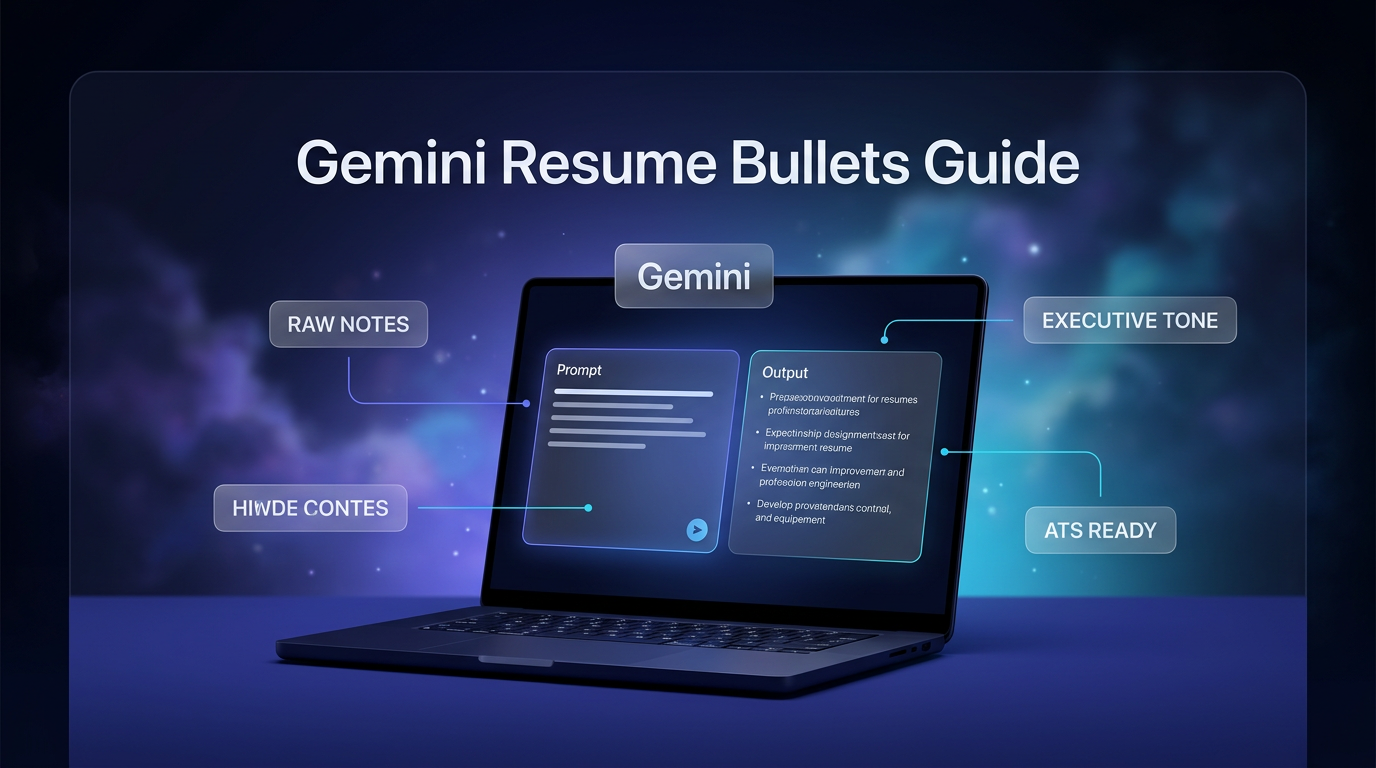
Drafting strong resume lines can be challenging when raw notes about daily duties feel disorganized. Learning how to create Gemini resume bullets gives job seekers a structured way to transform scattered job responsibilities into clear career achievements. In an article published on October 29, 2026, contributor Kimberly Fusaro detailed a streamlined approach on the Google blog.
The method relies on the conversational interface of the Gemini app to process messy descriptions and produce structured, professional copy. Rather than guessing what formatting works best, users follow a repeatable four-step process centered on targeted instructions. Understanding this workflow helps applicants build compelling bullet points without spending hours staring at a blank document.
The Core Challenge of Writing Experience Statements
Many professionals know what they accomplished in their previous positions but find it difficult to summarize those details cleanly. Daily responsibilities often sound routine when written in basic notes, making it hard to show leadership or impact. Drafting quality Gemini resume bullets solves this by organizing raw task descriptions into standardized, executive statements.
Applicant tracking systems and hiring managers typically look for concise statements that highlight initiative. When job seekers write descriptions manually, they often rely on passive phrases like responsible for or assisted with. Using structured prompts guides the model to adopt an active voice and highlight key actions directly.
Step 1: Input Raw Role Descriptions into Gemini
The first phase of the process requires entering unedited details about past jobs into the chat window. Users do not need to worry about phrasing, grammar, or formal organization during this initial stage. You simply paste notes, project summaries, or rough task lists directly into the input field.
Providing comprehensive context allows the assistant to understand the full scope of your day-to-day responsibilities. If you led specific initiatives or coordinated between teams, include those unpolished thoughts in the raw text. Generating clear Gemini resume bullets works best when the underlying model has sufficient factual detail to analyze.
Step 2: Deploy the Structured Resume Writer Prompt
Once the background information is submitted, the user issues a specific directive to shape the output. The guide instructs users to ask Gemini to act as a professional resume writer. This role assignment sets the tone and standard for the text the application generates.
The instruction specifically requests four high-impact bullets based on the supplied role history. Each point must begin with a strong action verb to maintain an executive, clear, and ATS-friendly tone. Requesting targeted Gemini resume bullets ensures the assistant avoids wordy introductions and delivers practical lines ready for evaluation.
Step 3: Refine the Output Through Interactive Chat
The initial generation rarely represents the final version of an application document. The third step involves back-and-forth conversational refinement to adjust tone, emphasis, or clarity. Users can ask the app to highlight specific aspects of the project or soften certain wording.
If a particular phrase feels slightly off, you can request adjustments directly in the dialogue. This iterative chat allows you to fine-tune each statement while keeping the original structure intact. Reviewing your Gemini resume bullets during this stage ensures that every generated line remains faithful to your actual work history.
Step 4: Review and Integrate into Your Document
After reaching satisfactory phrasing in the chat interface, the final step is moving the text into your document. The user copies the refined statements and places them into their active resume layout. Taking time to inspect the final text ensures consistent formatting alongside older sections of your profile.
Because the prompt specifically requests an ATS-friendly and executive style, the output fits standard resume formats smoothly. Inserting accurate Gemini resume bullets gives each job entry a clean, uniform presentation that recruiters can easily scan. Completing this step concludes the four-stage framework outlined in the Google guide.
Key Instructions for Effective Prompting
The prompt recommended by Kimberly Fusaro focuses on specific constraints rather than open-ended generation. Setting explicit guardrails keeps the language professional and eliminates unnecessary filler text. When generating Gemini resume bullets, keeping the prompt focused on exact criteria produces consistent results.
- Request the system to act directly as a professional resume writer.
- Limit the generation to four high-impact bullets per role.
- Require every bullet to start with a strong action verb.
- Specify an executive, clear, and ATS-friendly tone throughout.
- Maintain a conversational follow-up to refine specific details.
Adhering to these instructions prevents the application from creating overly generic or conversational paragraphs. The explicit request for four distinct points forces the model to synthesize the most significant details from your raw notes. As a result, the generated Gemini resume bullets remain focused on core responsibilities rather than minor tasks.
Why Tone and Action Verbs Matter for Resumes
Action verbs establish immediate momentum at the start of every resume sentence. Words such as directed, orchestrated, or implemented clarify the candidate’s active involvement in team milestones. Structuring Gemini resume bullets around strong verbs replaces passive descriptions with assertive phrasing.
An executive tone also conveys professionalism without using complex jargon. By asking for clear and readable language, applicants ensure that their experience remains accessible to both human evaluators and automated parsing tools. High-quality Gemini resume bullets strike a clean balance between technical clarity and direct communication.
FAQs
How does Gemini format the generated resume lines?
The guide instructs Gemini to create four concise statements that begin with strong action verbs. The output follows an executive, ATS-friendly tone designed for professional presentation.
Can I adjust the tone of Gemini resume bullets after generation?
Yes, the workflow emphasizes interactive conversation to refine tone, phrasing, and focus. You simply prompt the assistant with specific adjustments until the statements match your preference.
What details should I provide before prompting the model?
You can paste raw notes, informal task lists, and rough project outlines directly into the chat. The model uses that unpolished context to generate structured Gemini resume bullets.
Where Structured Prompting Fits in Real Projects
Systematic prompting methods illustrate how modern artificial intelligence tools handle unstructured information. In enterprise workflows and client systems, Wasif builds structured automations using AI automation to turn raw communication into organized operational records. The same logic behind generating clean Gemini resume bullets applies to managing data flows, summarizing customer requests, and standardizing team documentation.
Conclusion: Optimizing Experience with Structured Intelligence
Turning scattered career notes into polished documentation does not require complex software. The four-step framework shared by Google demonstrates that clear role assignment and precise constraints can standardize messy background text into four focused statements. By asking the tool to adopt an executive voice, lead with strong action verbs, and support conversational refinement, job seekers can assemble ATS-friendly entries efficiently.
As conversational assistants become everyday productivity tools, using exact prompts ensures reliable output for professional documents. Following this straightforward sequence allows candidates to create targeted Gemini resume bullets that accurately reflect their workplace contributions.
To explore how custom automation and structured artificial intelligence workflows can support your business operations, visit the contact page to connect with Wasif.