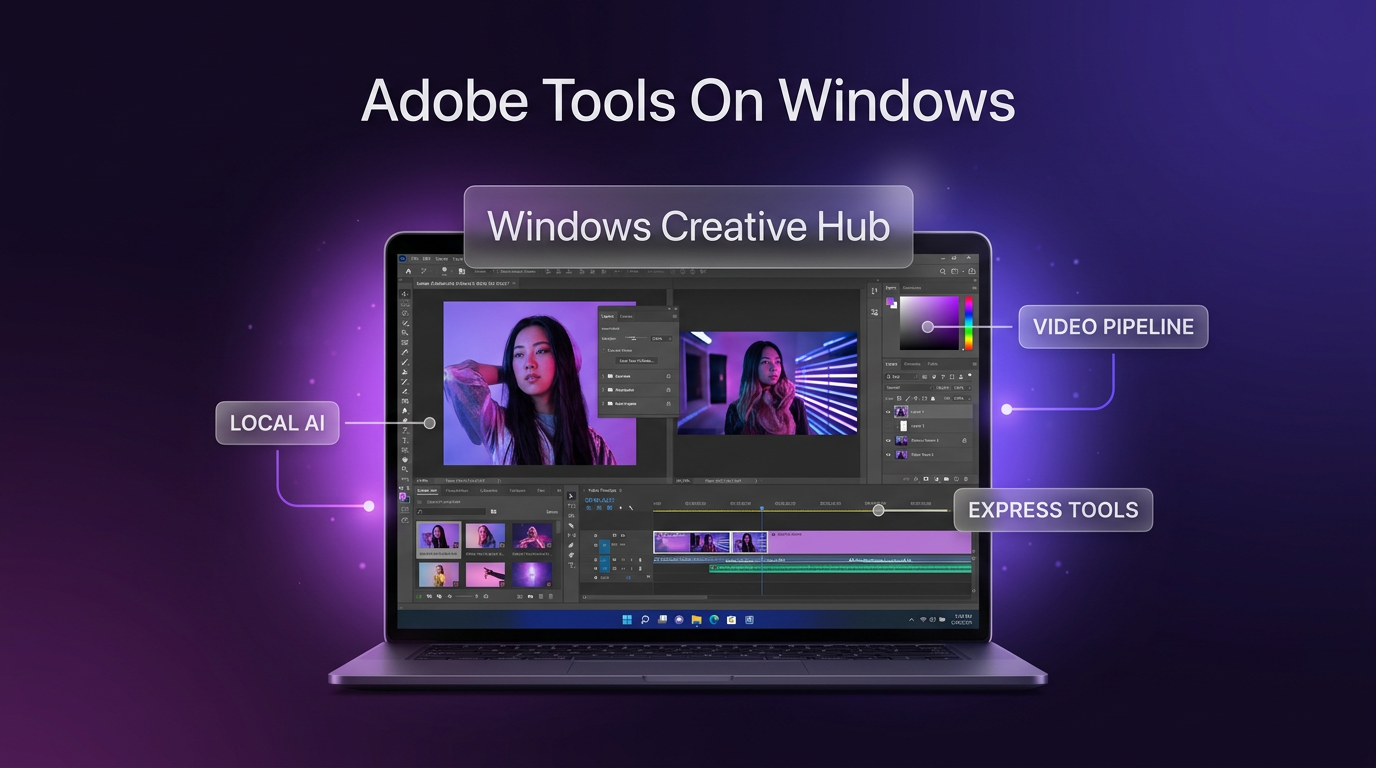
Adobe tools on Windows are expanding through a collaboration announced at Adobe MAX between Adobe and Microsoft. The initiative introduces dedicated optimizations for flagship creative applications on high-performance Windows devices alongside the integration of Adobe Express generative capabilities directly into Microsoft Photos on Windows 11. As announced on the Adobe blog, these updates address both professional production pipelines and everyday visual editing.
The Key Changes Announced for Windows Creators
The collaboration introduces two distinct tracks of development. The first focuses on core creative software, bringing optimized versions of Photoshop, Premiere, After Effects, and the Substance 3D Painter beta to Arm-based Windows PCs. The companies highlighted devices like the Surface Laptop Ultra powered by NVIDIA RTX Spark hardware, designed to handle demanding graphics, 3D scenes, and machine learning workloads.
Photoshop has undergone architectural refactoring for Arm-based Windows hardware. The updated desktop application uses local, on-device processing to drive features such as the Remove tool. This change allows creators to eliminate unwanted objects and generate replacement pixels directly on their hardware without sending files to external servers. Adobe stated that it is also developing a compositing-based architecture for Photoshop to support live filters, high dynamic range (HDR) workflows, and more responsive brush strokes.
Video editors and motion designers receive targeted speed enhancements in Premiere and After Effects. Premiere’s video pipeline has been adjusted to provide smoother real-time timeline playback during color correction, accompanied by faster rendering for intricate sequences. Built-in audio and video utilities, specifically Object Mask and Enhance Speech, run with tangible performance gains. When assets require precision matte refinement, editors can transfer timelines into After Effects, which shares the underlying platform optimizations.
For 3D specialists, the Substance 3D Painter beta delivers workstation-level responsiveness on portable hardware. The system reduces waiting intervals during GPU-intensive tasks, such as baking mesh maps and painting high-resolution texture sets across complex three-dimensional assets.
Adobe Express Integration in Microsoft Photos
The second major update connects Adobe Express into the native Microsoft Photos app on Windows 11. Scheduled for preview release to Windows Insiders starting in December, this addition embeds browser-grade generative tools directly into the desktop operating system’s image viewer.
Users editing images within the Photos app will access several Adobe-powered capabilities without launching a standalone editor:
- Generative Expand: Extends canvas borders outward while generating matching contextual scenery, allowing tight crops to become wide shots without losing picture elements during rotation.
- Generative Add and Replace: Lets creators highlight a specific portion of an image and describe additions or visual modifications through prompt commands.
- Generative Remove: Erases background distractions and seamlessly blends the cleared area into surrounding textures.
- Express Template Handoff: Enables direct export from Photo Viewer into Adobe Express, previewing the user’s photograph inside tailored social templates, flyers, or event invitations.
These features allow everyday users and social media operators to prepare marketing materials quickly without starting from a blank artboard.
Why These Adobe Tools on Windows Matter for Businesses
For operational teams managing daily brand collateral, these updates reduce production friction. Small businesses that manage their own social media management frequently need rapid graphic turnaround. Having generative expansion and object cleanup inside the default Windows photo utility removes the need to maintain multiple third-party image editors for simple layout tweaks.
For media agencies and production houses, the hardware tuning addresses mobile efficiency. Running intensive rendering pipelines and local AI inferences on portable Arm hardware reduces reliance on heavy stationary desktop towers. Premiere and After Effects operators can review cuts and mask footage on location while preserving battery life and system responsiveness.
Practical Implications and Implementation Timeline
Businesses evaluating Adobe tools on Windows should note the staged rollout schedule. The optimized releases of Photoshop, Premiere, After Effects, and the Substance 3D Painter beta are available now on supported Arm-based hardware configurations equipped with NVIDIA RTX Spark acceleration.
In contrast, the Microsoft Photos integration remains in early access. Windows Insiders will receive preview builds starting in December, with wider general availability rolling out in subsequent months. Organizations standardizing corporate operating system images should plan testing cycles around the Windows Insider preview before expecting universal deployment across company workstations.
Frequently Asked Questions
When will Adobe Express features appear in Microsoft Photos?
Adobe and Microsoft confirmed that Adobe Express features will arrive in preview for Windows Insiders beginning in December. General availability for standard Windows 11 installations will follow after the initial preview evaluation phase concludes.
Do these Adobe tools on Windows require an internet connection?
While Adobe Express templates and specific cloud services require connectivity, core tools like Photoshop’s Remove tool utilize local on-device processing on compatible hardware. This enables generative cleanup tasks directly on local silicon without continuous server uploads.
Which applications receive direct performance optimizations?
The optimization updates cover Photoshop, Premiere, After Effects, and the Substance 3D Painter beta. Each tool has been tailored for high-performance Arm-based PCs to accelerate tasks like speech enhancement, video mask tracking, and texture map baking.
Where This Fits in Real Projects
When Wasif designs media systems and digital automation workflows, software responsiveness directly impacts operational velocity. Businesses linking creative asset pipelines with AI automation often struggle with bottlenecks when team members must manually prep, crop, and reformat product imagery across dozens of campaign variants.
Native operating system tools that handle automated object isolation and canvas expansion streamline this preparation layer. By eliminating repetitive manual touch-ups in early design stages, creative teams free up bandwidth to focus on core brand strategy and distribution systems.
Conclusion
The collaboration between Adobe and Microsoft brings practical processing speed to professional software and accessible generative capabilities to native Windows utility apps. For modern teams working across digital marketing, content distribution, and interactive media, Adobe tools on Windows provide faster turnaround and fewer software barriers.
To discuss building efficient creative pipelines and business automation systems, reach out to Wasif Ahmed.