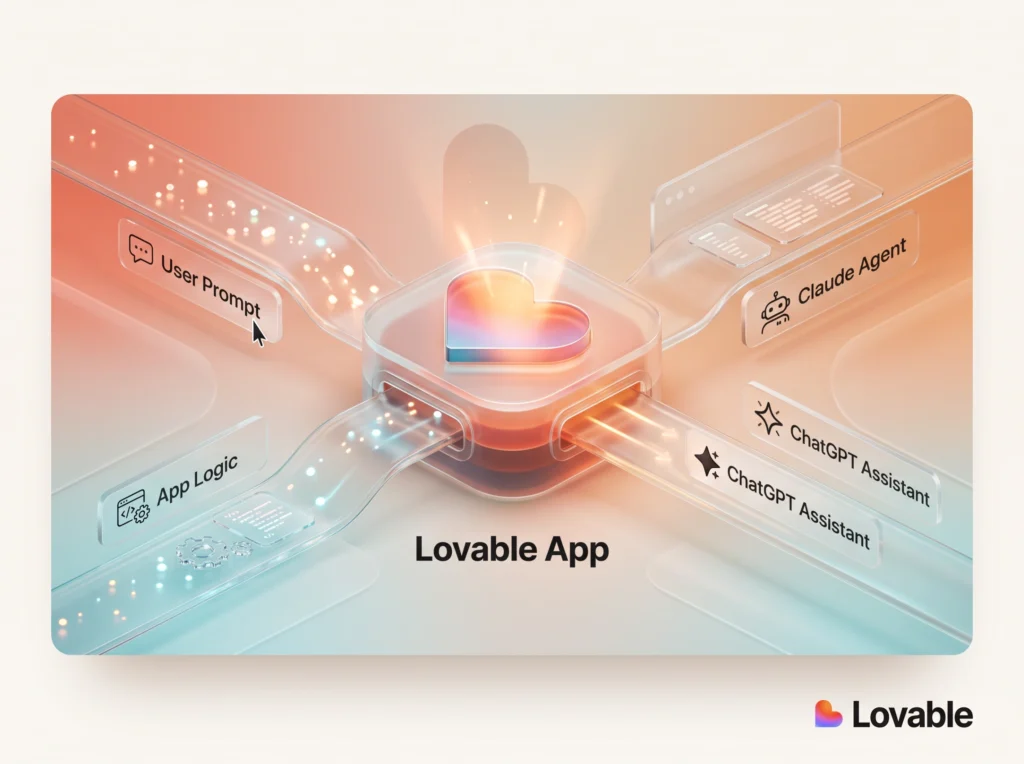
The Lovable Microsoft integration has officially arrived to bridge prompt-based application creation with corporate IT infrastructure. Lovable announced a technical partnership with Microsoft that enables software built inside its builder to deploy straight into an organization’s existing Microsoft Entra tenant using the Copilot Managed Runtime SDK. As teams build custom digital tools on their company data, this setup lets IT departments oversee those apps using the directory rules and security baselines they already maintain.
Over 70 million projects have been generated on Lovable to date. Many of those internal utilities were designed around everyday operational data stored in SharePoint or shared company inboxes. While these tools solved immediate workflow problems for individual squads, rolling them out across an enterprise required custom engineering, security audits, and new authentication setups. The newly announced integration targets that hurdle directly.
What Changed with the Lovable Microsoft Integration
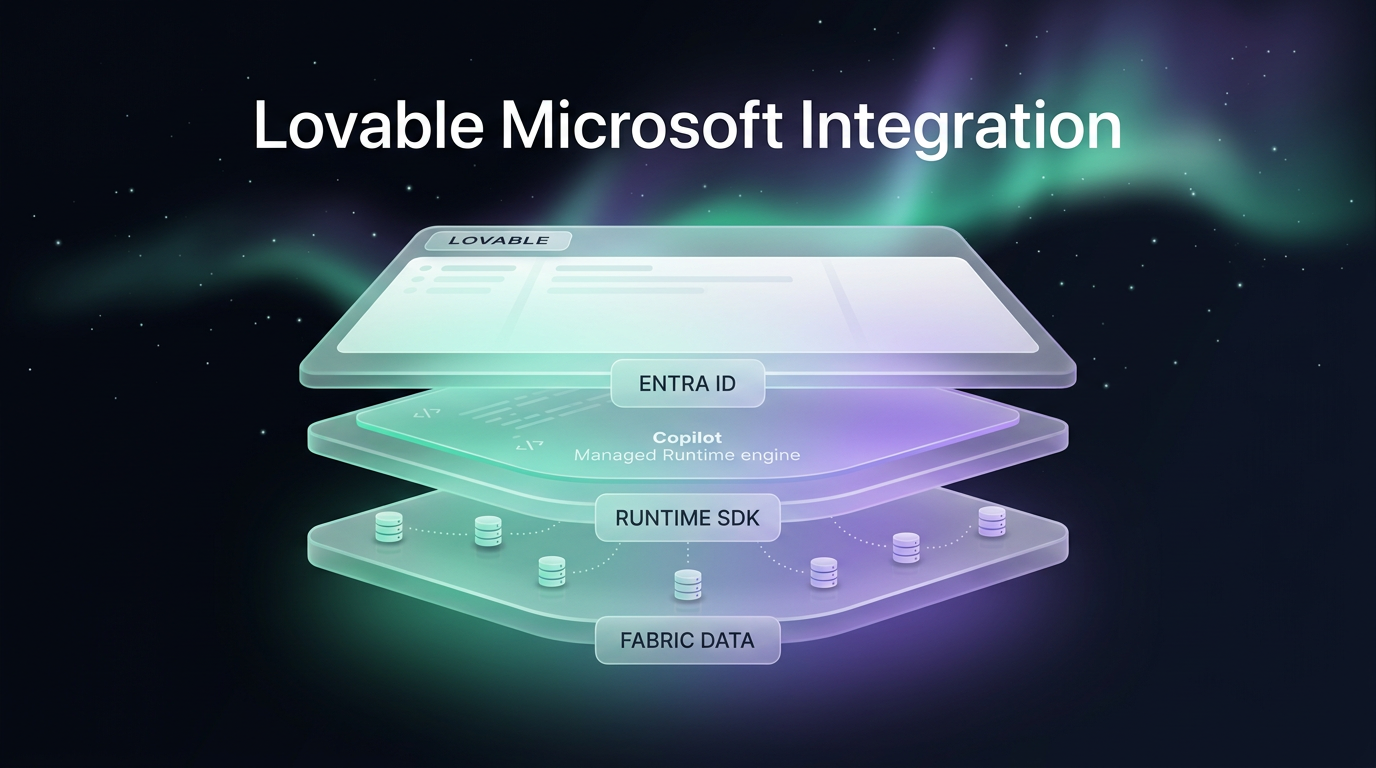
Lovable connects to the Microsoft ecosystem across three distinct layers: deployment infrastructure, live enterprise data connections, and identity verification. Each layer addresses common IT governance requirements that previously slowed down internally generated tools.
First, deployment happens via Microsoft Copilot Managed Runtime. Once an application is configured inside Lovable, administrators connect the Copilot Managed Runtime and publish. The system packages the project code with Microsoft’s official SDK and deploys it straight into the company’s Microsoft Entra tenant. Because it lives inside the corporate tenant, the utility appears directly in the organization’s enterprise application catalog alongside native software.
Second, the system supports native read-and-write connections to core Microsoft data sources without exporting files or duplicating records. Connected sources include:
- Microsoft 365 tools including Outlook, Teams, Excel, SharePoint, OneDrive, Word, PowerPoint, and OneNote
- Microsoft Fabric lakehouses and data warehouses without manual data extraction
- Microsoft Dataverse and SQL databases, supporting records linked to Dynamics 365 environments
Third, access management relies entirely on Microsoft Entra ID. Employees log in using standard company credentials, and workspace administrators manage individual permissions via existing corporate directory groups. Lovable has also listed its server in the MCP Center, introduced a native Windows desktop client, and made private offers available via Microsoft Marketplace.
Why the Lovable Microsoft Integration Matters for Teams
For operational departments, the primary barrier to custom software has rarely been building the interface. The main challenge has been getting security clearance to connect live business files and deploy tools to coworkers. The Lovable Microsoft integration changes this by maintaining strict data boundaries within the company’s cloud perimeter.
Consider an internal finance workflow. An operations specialist can build a utility that scans vendor statements received in an Outlook inbox, compares line items against company records in Microsoft Dataverse, and surfaces unpaid balances. Once published to the tenant, the accounts payable department signs in with their standard enterprise account. The records never leave Microsoft infrastructure, and staff do not need to manage additional passwords.
Field teams and data analysts experience similar benefits. Operations leads can convert legacy Excel spreadsheets into interactive applications that commit record edits back to OneDrive in real time. Similarly, analytics teams can build interfaces that query live Microsoft Fabric instances directly without writing raw database queries or exporting proprietary data.
Practical Implications and IT Governance
From an IT administration perspective, prompt-built tools often represent unmanaged shadow software when launched on external platforms. This collaboration resolves that issue by presenting the finished code as standard tenant software. IT administrators retain complete visibility through the Microsoft Entra admin center.
The underlying application files generated by the platform represent standard code that software engineers can review, maintain, or customize further. On the platform side, Lovable Business and Enterprise tiers include standard corporate compliance features such as Single Sign-On, SCIM directory synchronization, automated security scans, and administrative audit logs.
Instead of requiring developers to build custom identity bridges or manage isolated databases, teams deploy functional internal utilities that respect organizational compliance rules by default. This reduces friction between business units needing rapid tooling and IT teams tasked with protecting enterprise assets.
Availability and Deployment Timeline
Microsoft Copilot Managed Runtime is currently rolling out in public preview, as noted in the official announcement on the Lovable blog. Organizations testing tenant deployments can initiate the preview directly through compatible Microsoft accounts.
Several core components of the Lovable Microsoft integration are available immediately across all service tiers. These include standard Microsoft 365 connectors, Microsoft Fabric queries, and end-user Microsoft login verification for generated applications. Organization-level workspace authentication backed by Microsoft Entra ID is restricted to Business and Enterprise plans.
Putting It to Work in Custom Architectures
In client implementations, custom front-end applications rarely live in isolation. Wasif builds scalable digital infrastructure combining interfaces with automated workflows, often integrating modern platforms alongside advanced AI automation backends to process incoming data. While app builders handle UI generation, stable data delivery requires careful pipeline design.
Connecting external operations like Make.com automation or custom business databases to these enterprise interfaces ensures that user actions trigger reliable back-office execution. Teams planning to implement internal tools can also combine these interfaces with custom web designing practices to ensure clear usability across departments.
FAQs
How does the Lovable Microsoft integration handle user authentication?
Applications authenticate users through Microsoft Entra ID using existing company logins. IT managers assign access using standard directory policies, ensuring unauthorized staff cannot view internal tools.
Does the Lovable integration copy corporate data to external servers?
No, the system reads and writes data directly to Microsoft 365, Dataverse, and Microsoft Fabric without duplicating or exporting underlying files. Data stays within the organization’s existing cloud perimeter.
What subscription level is needed to use Microsoft Entra sign-in?
User authentication for generated apps is available on every tier. Workspace-level sign-in for the platform dashboard using Microsoft Entra ID requires either a Business or Enterprise account.
Conclusion: Key Takeaways for Lovable and Microsoft Entra
The Lovable Microsoft integration marks a significant shift in how non-technical and technical teams deploy enterprise-grade software. By packaging applications with the Copilot Managed Runtime SDK and routing access through Microsoft Entra, organizations avoid the governance risks typically tied to rapid prototyping tools. Companies gain fast application development while IT teams keep central control over identities, permissions, and internal data stores.
If you are planning to build secure enterprise workflows or need assistance structuring your automation stack, explore options to connect your systems and reach out to Wasif directly.